How to check the list of non-reducible stock
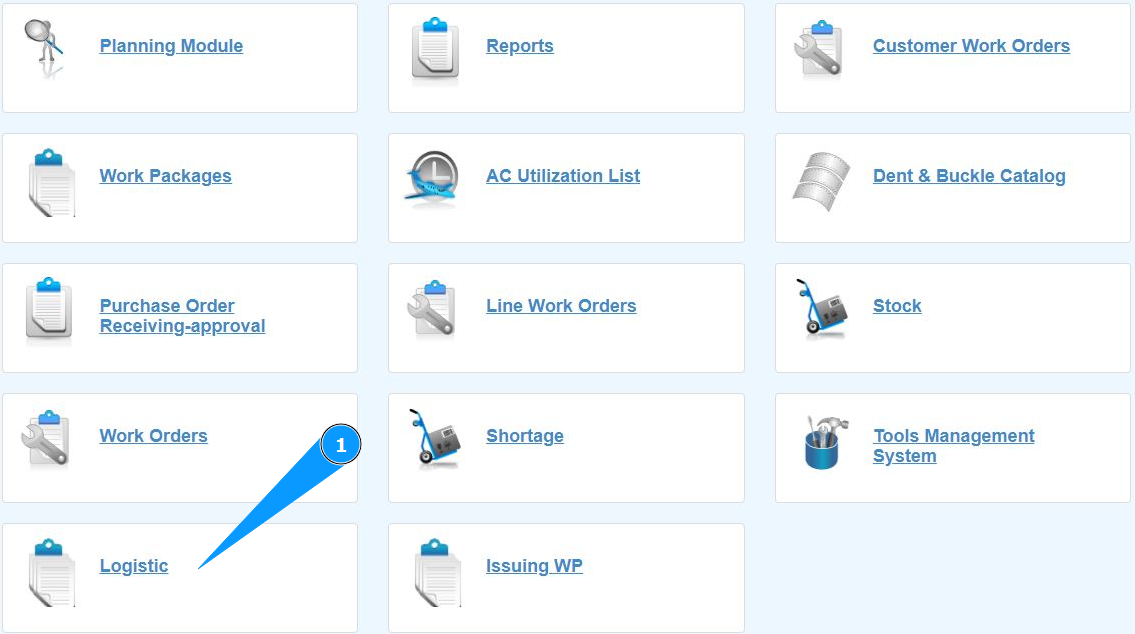
1. In order to check the list of non-reducible stock, go to the submodule "Logistic".
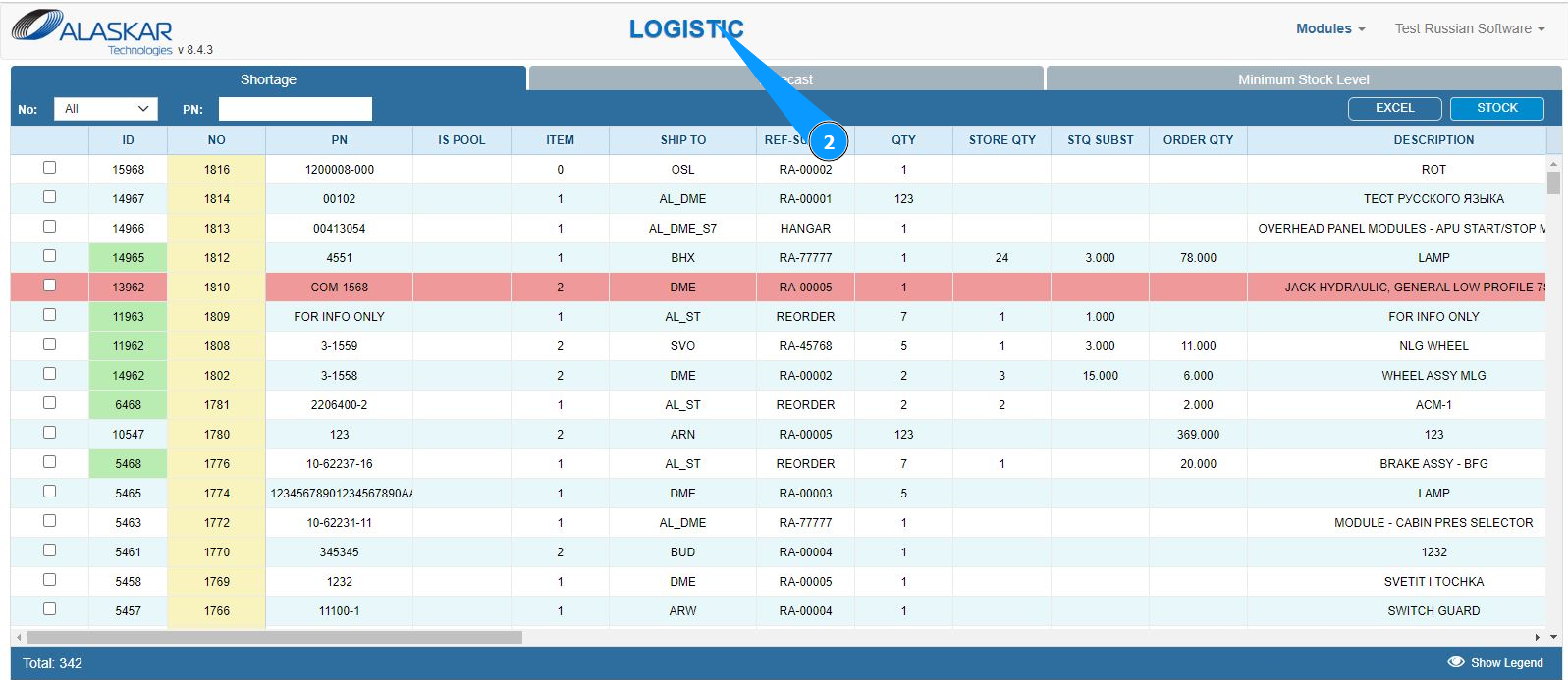
2. Make sure that the window for working with requests has opened and is available in the window "Logistic".
3. Go to the tab "Minimum Stock Level" and click in the appropriate field.
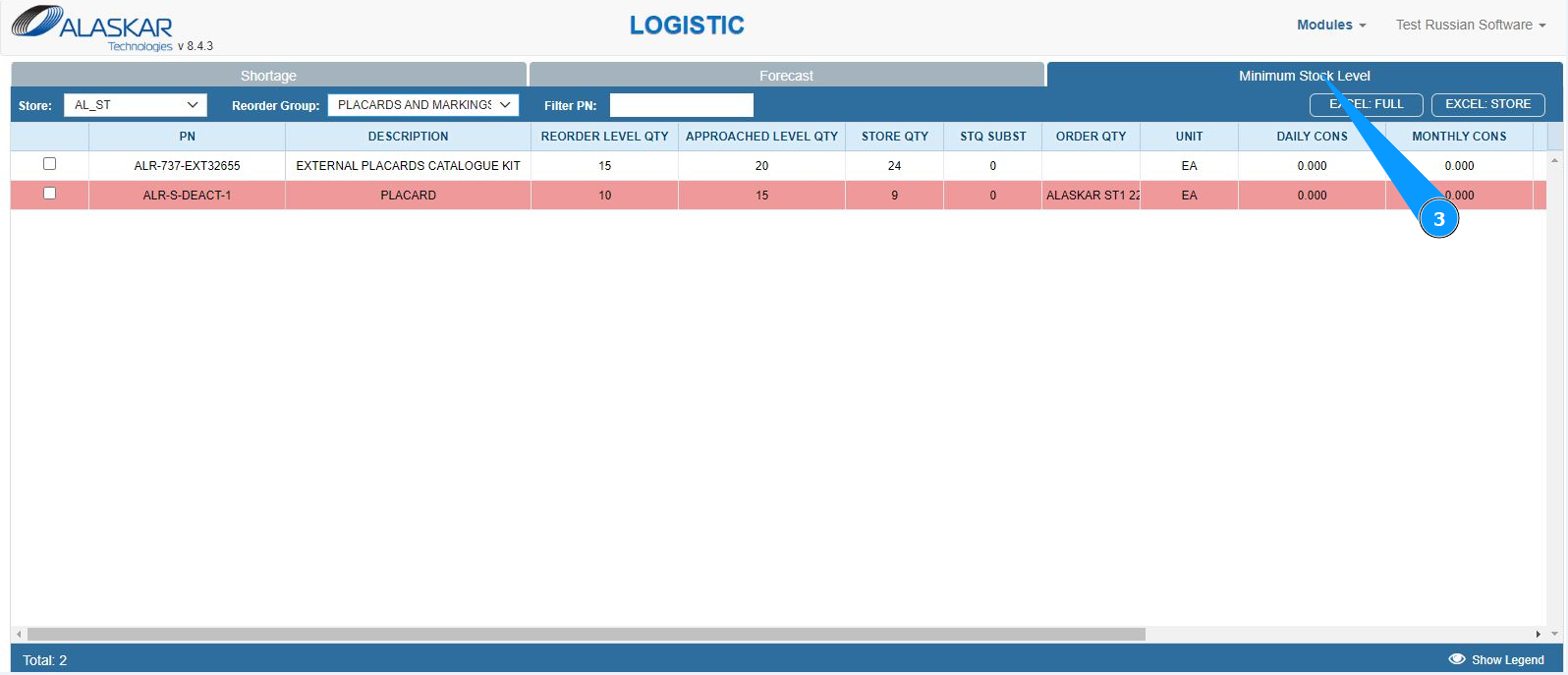
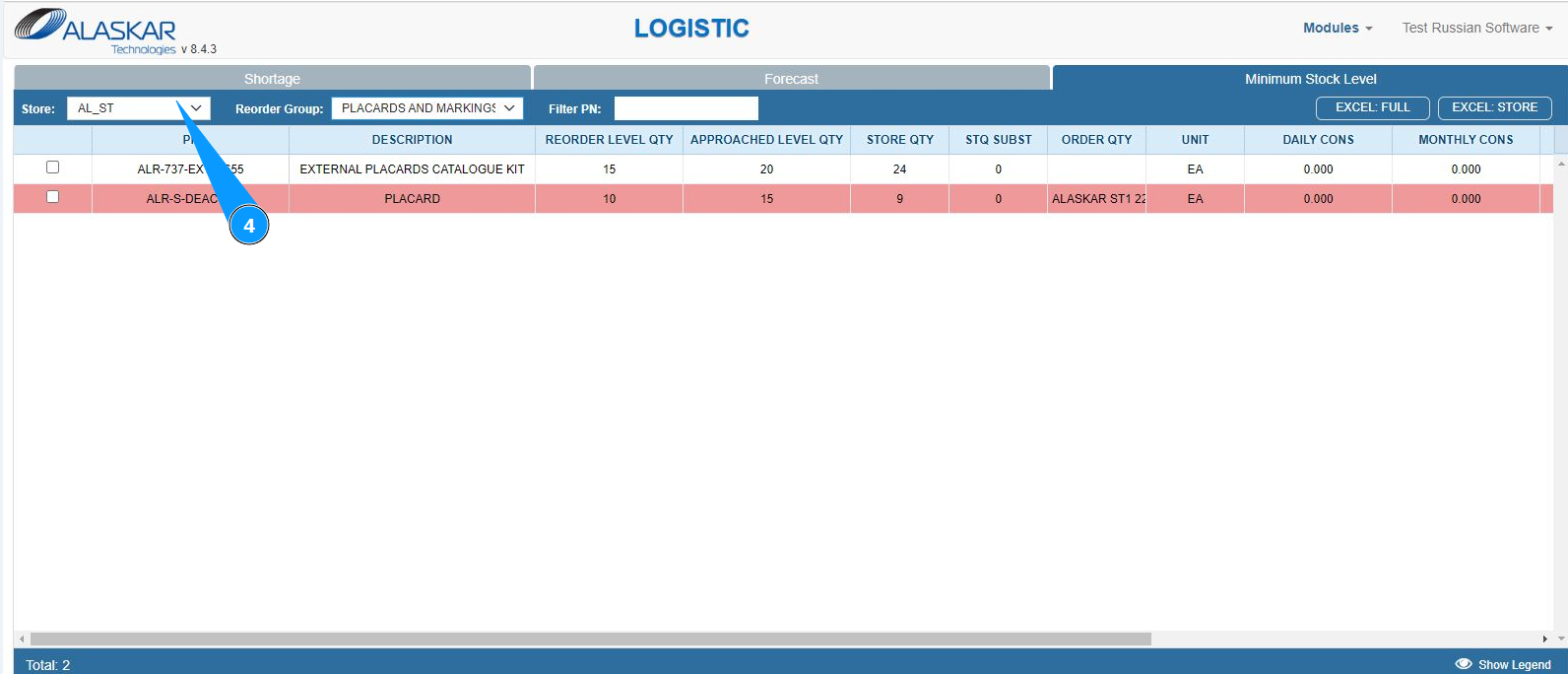
4. From the dropdown list, select the required store to filter the list in the field "Store".
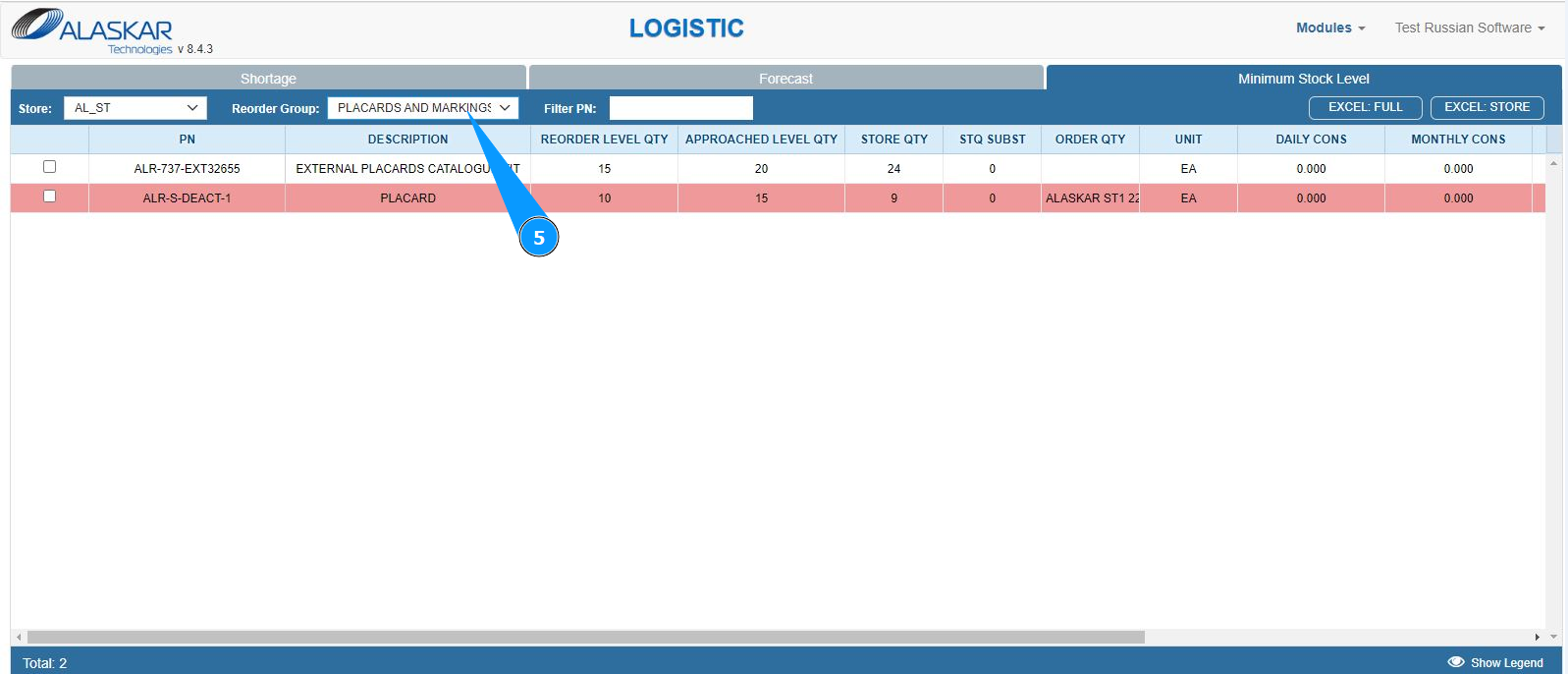
5. From the dropdown list, select the required non-reducible list to filter in the field "Reorder Group".
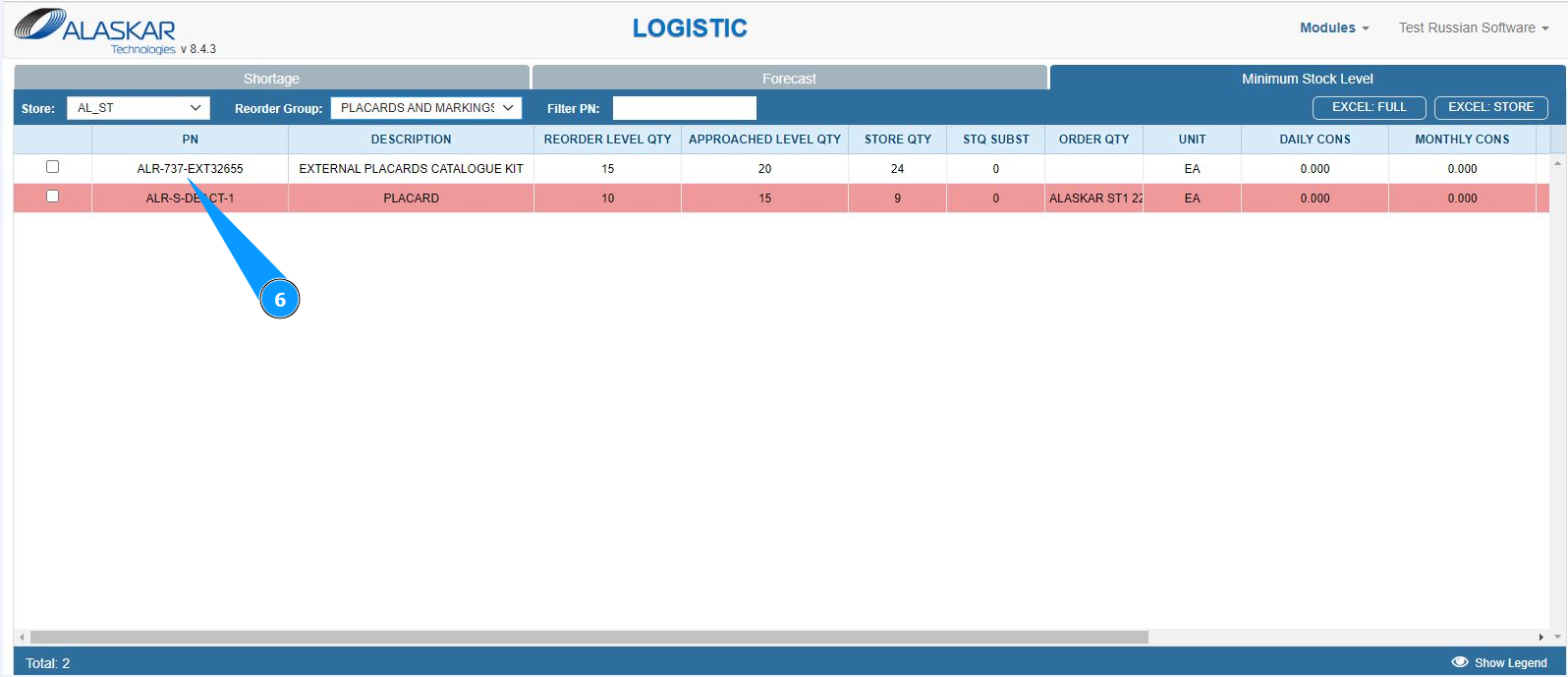
6. Check that the non-reducible list is displayed on your screen.
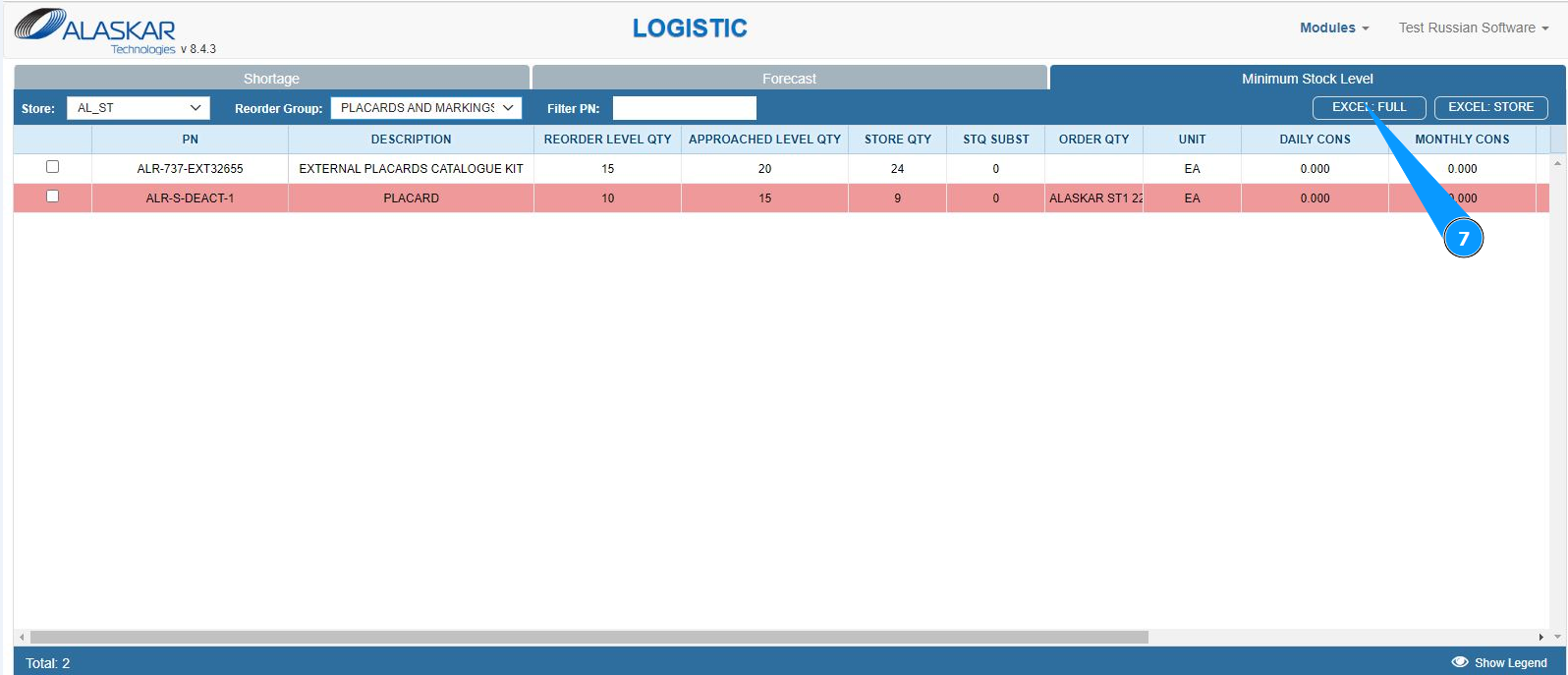
7. If necessary, to display the filtered list in Excel format, click on the button "Excel:Full".
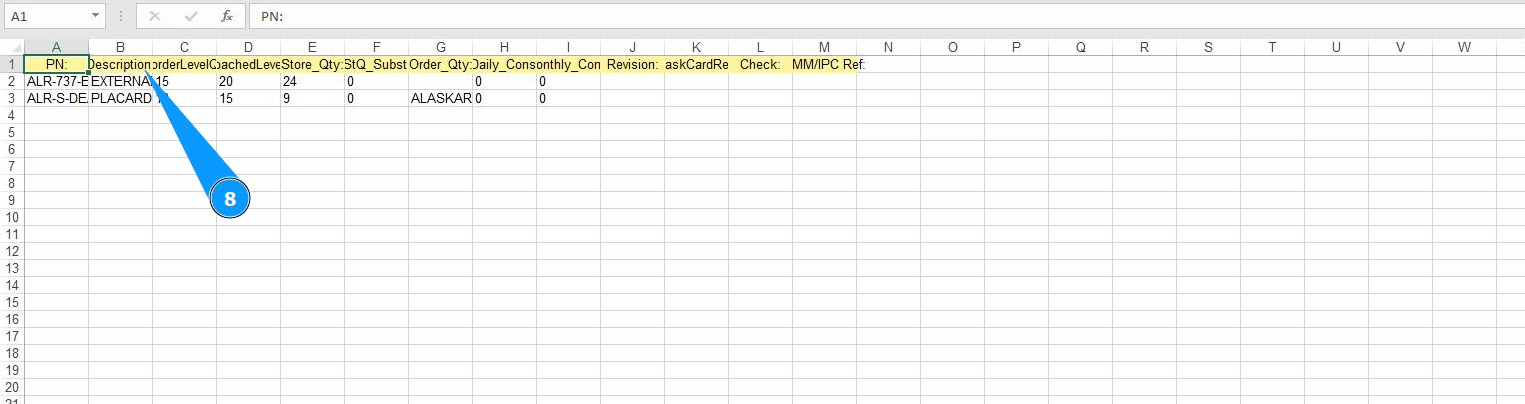
8. Check that the report is displayed on your screen. If necessary, print a paper form.