How to check the materials required to complete a task in the work order
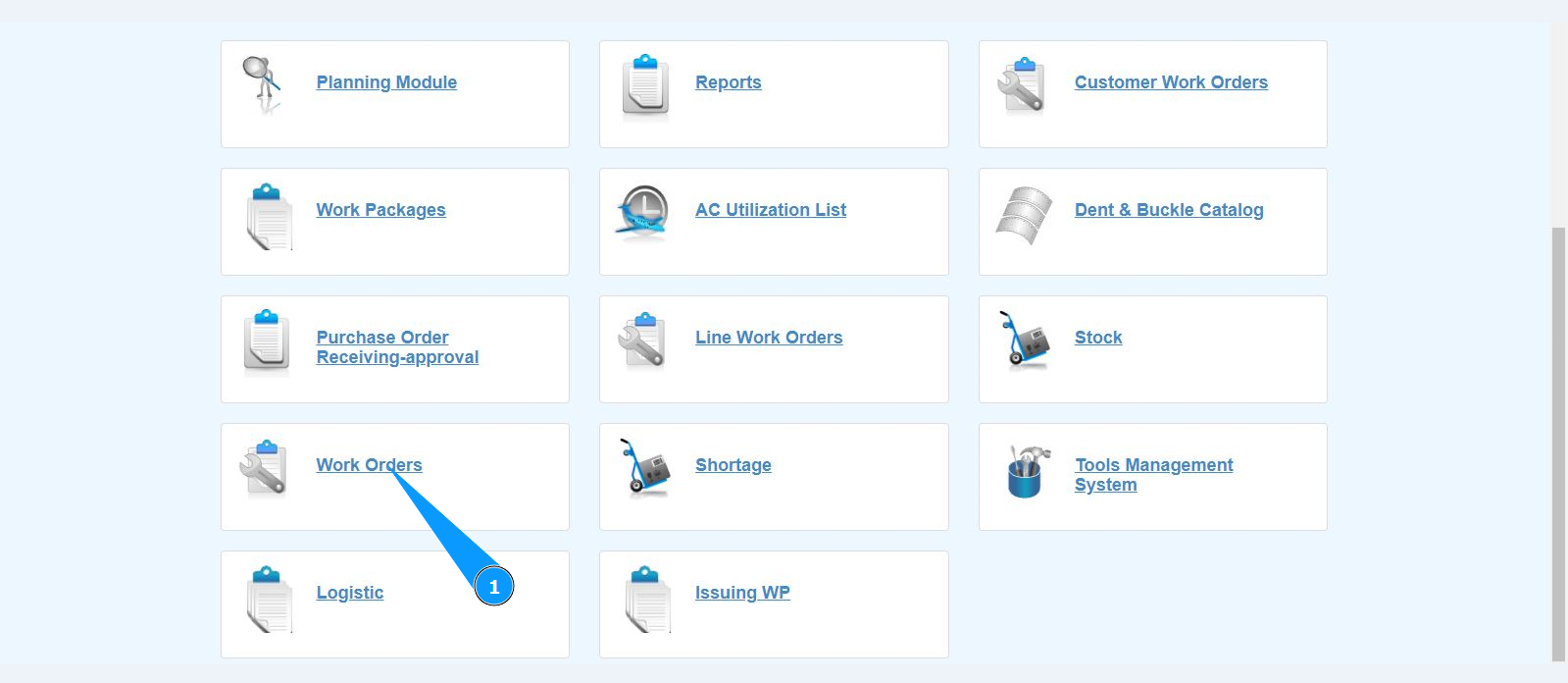
1. In order to check the materials required to complete a task in the work order, go to the submodule "Work Orders".
2. Select the required work order and click on the corresponding line. Note: If necessary, use the available filters in the fields: "A/C Reg.", "A/C Type", "STA" and so on.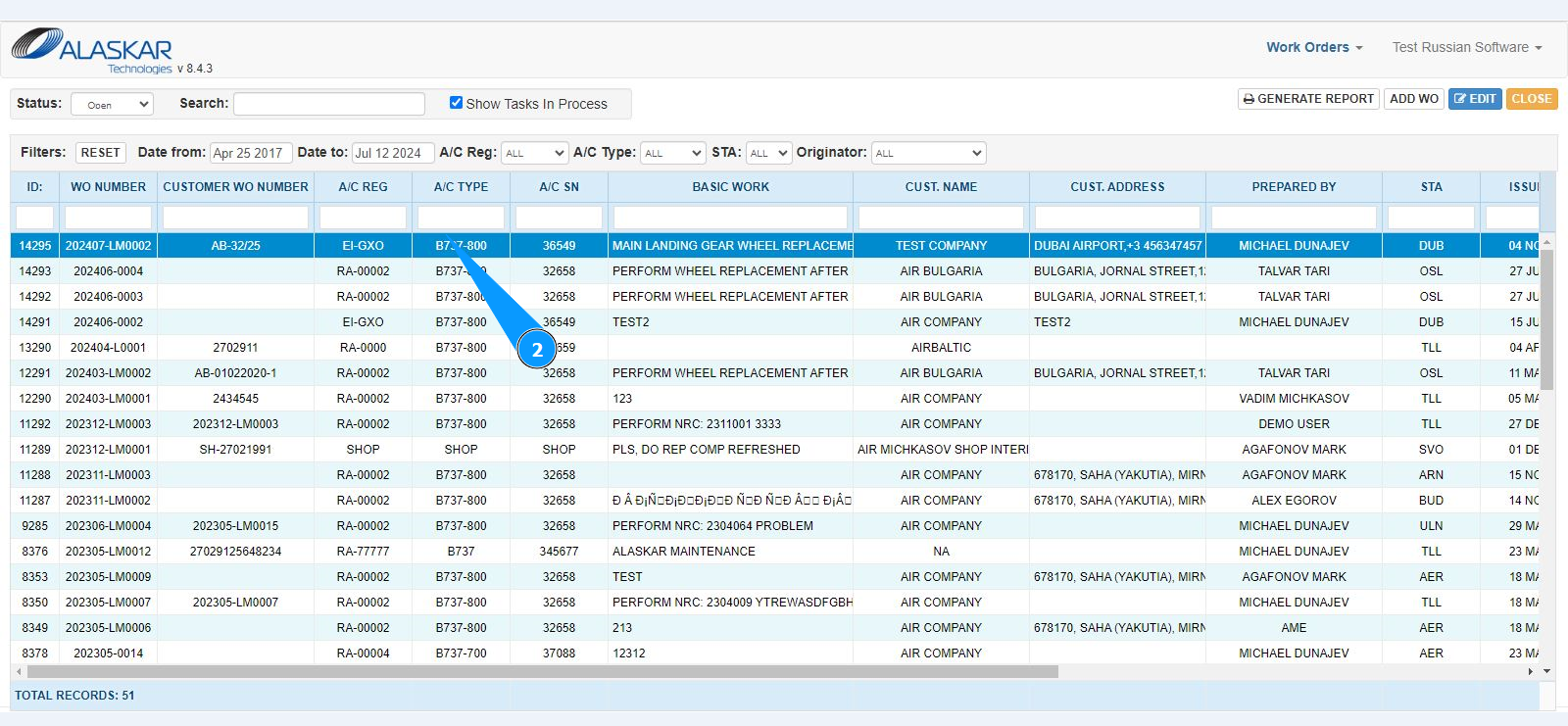
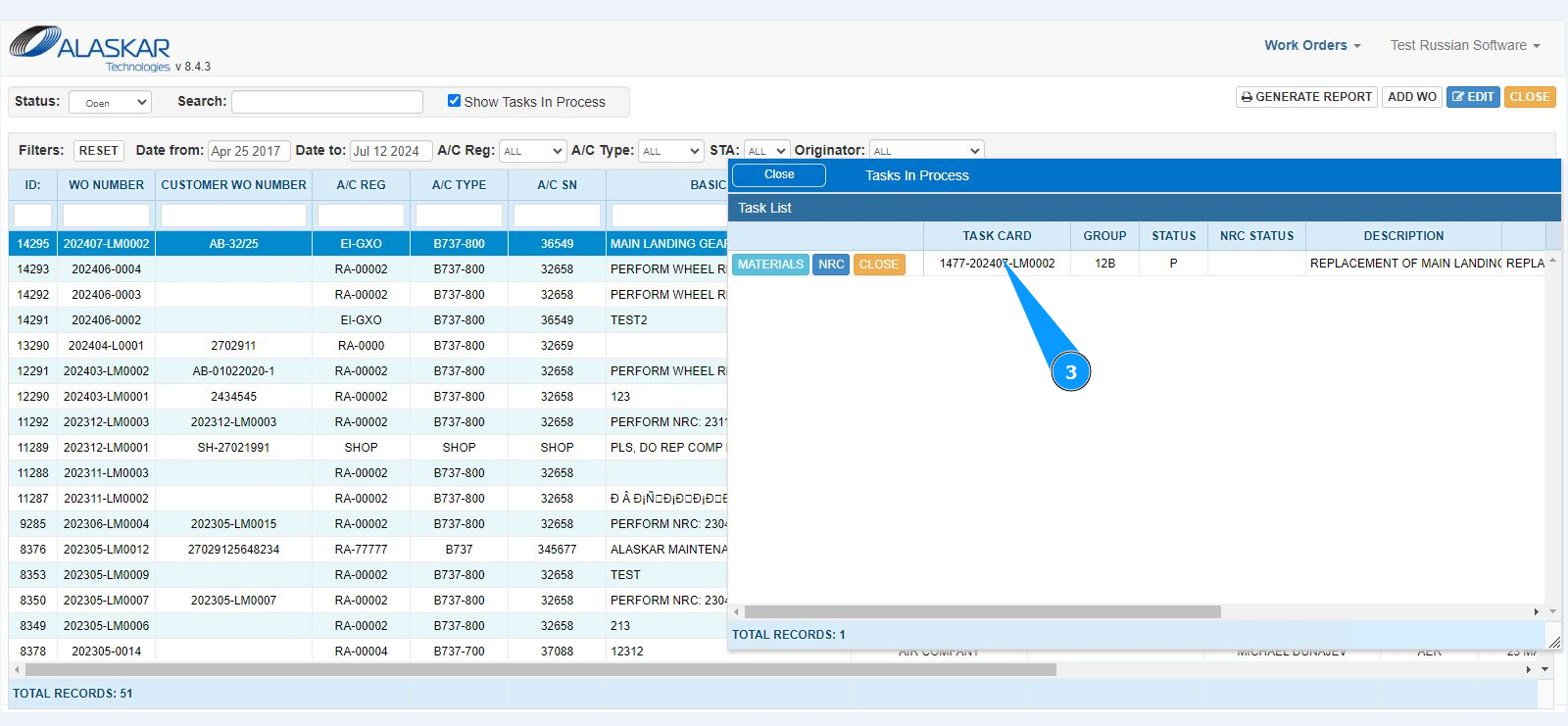
3. Select the required task and click on the corresponding line.
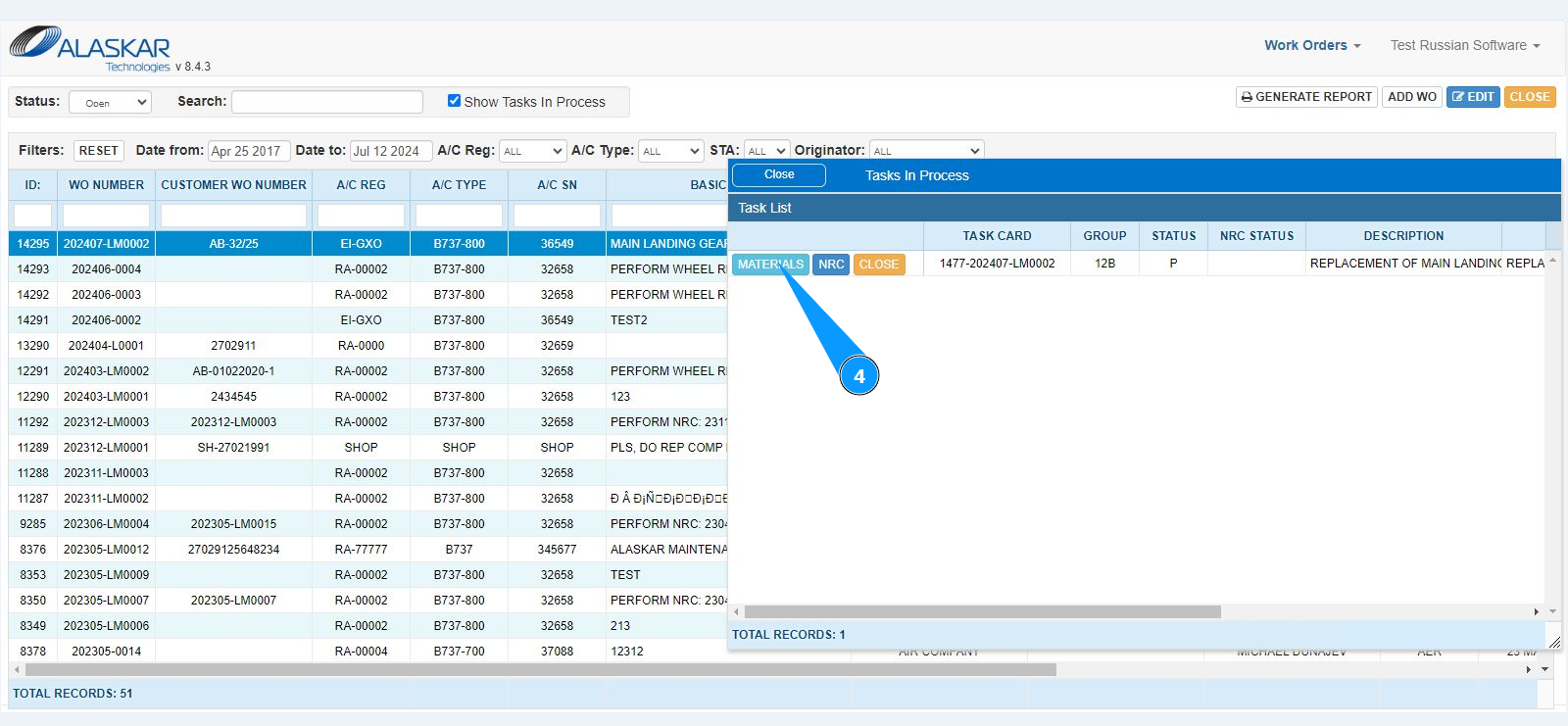
4. Click on the button "Materials" to open the checking window.
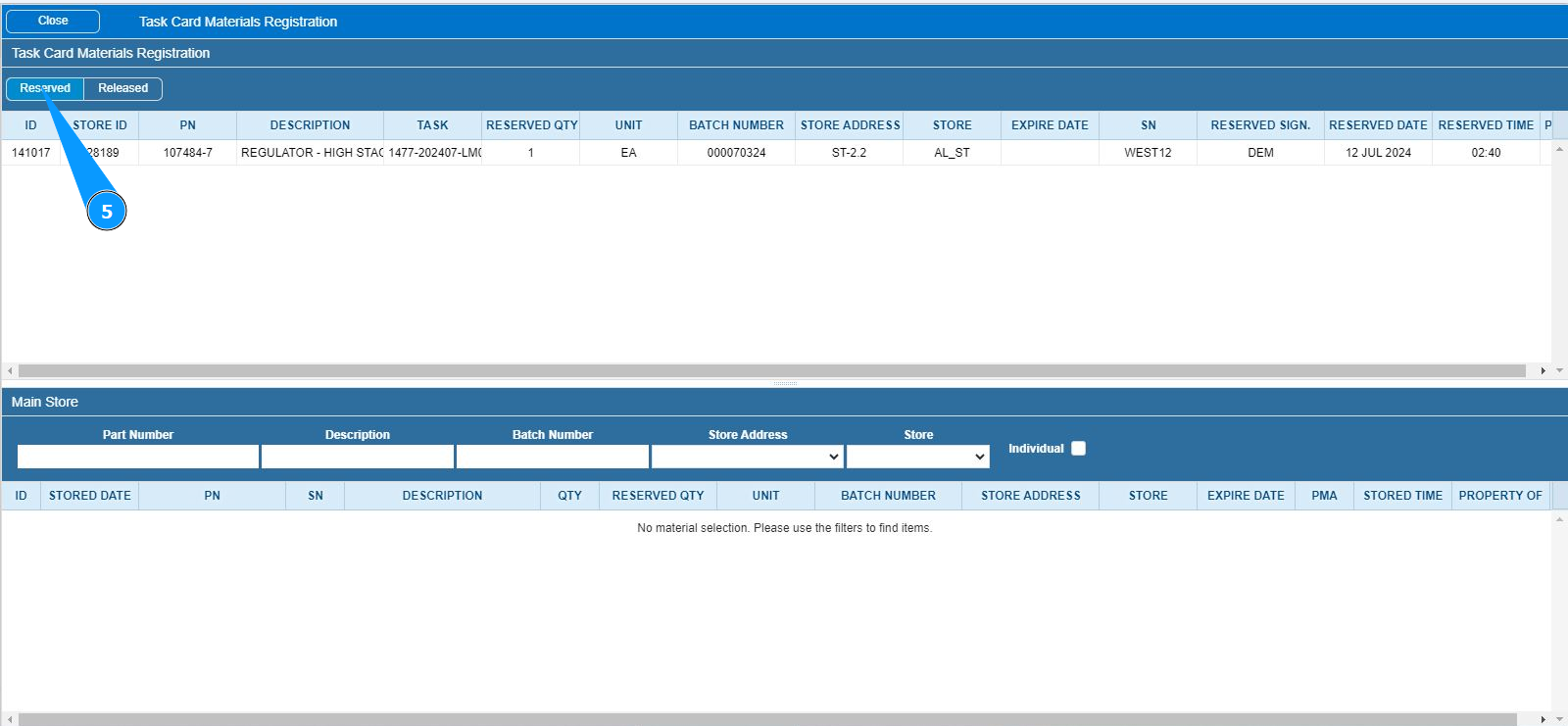
5. Information about the list of reserved materials for completing the task is displayed in the tab "Reserved".
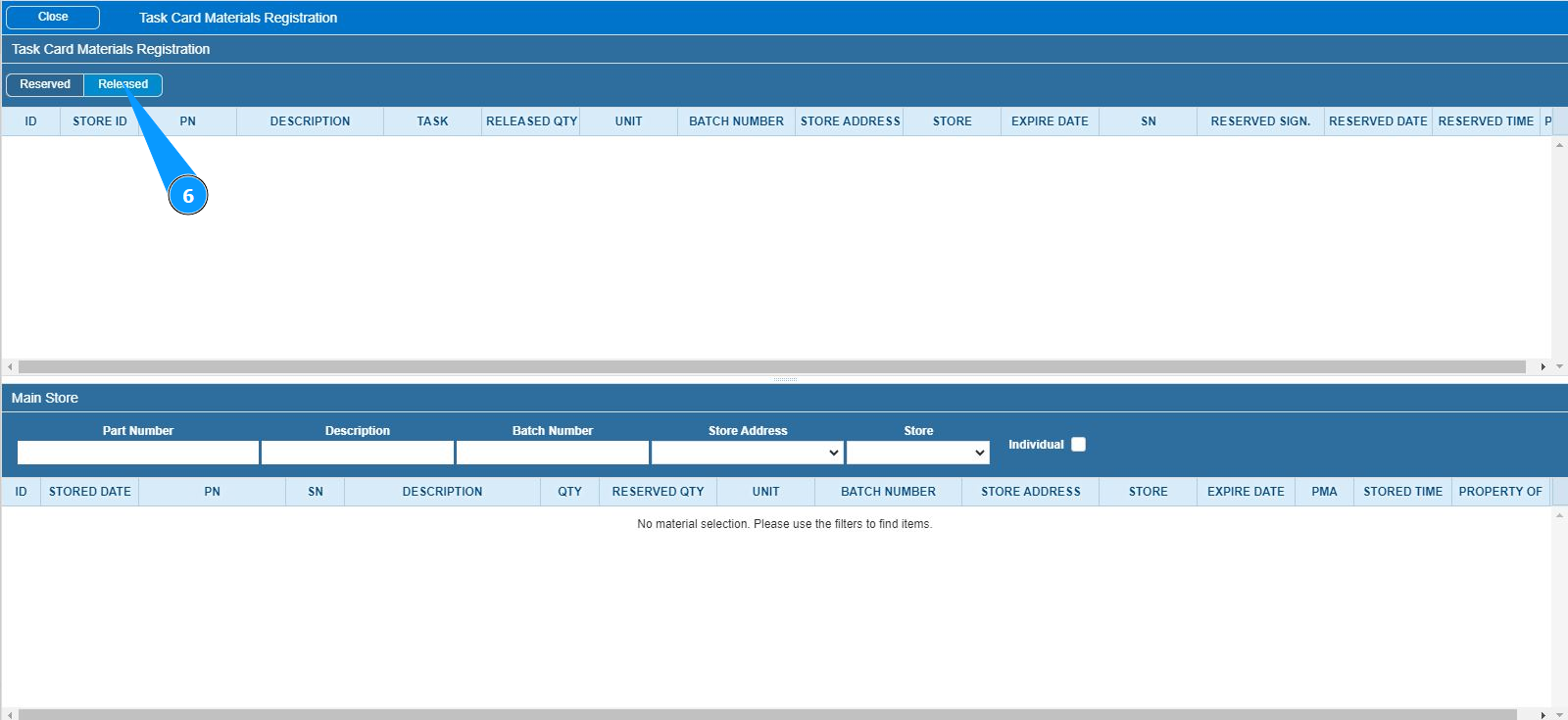
6. For information about the list of materials issued to complete the task, see the list of materials in the tab "Released".
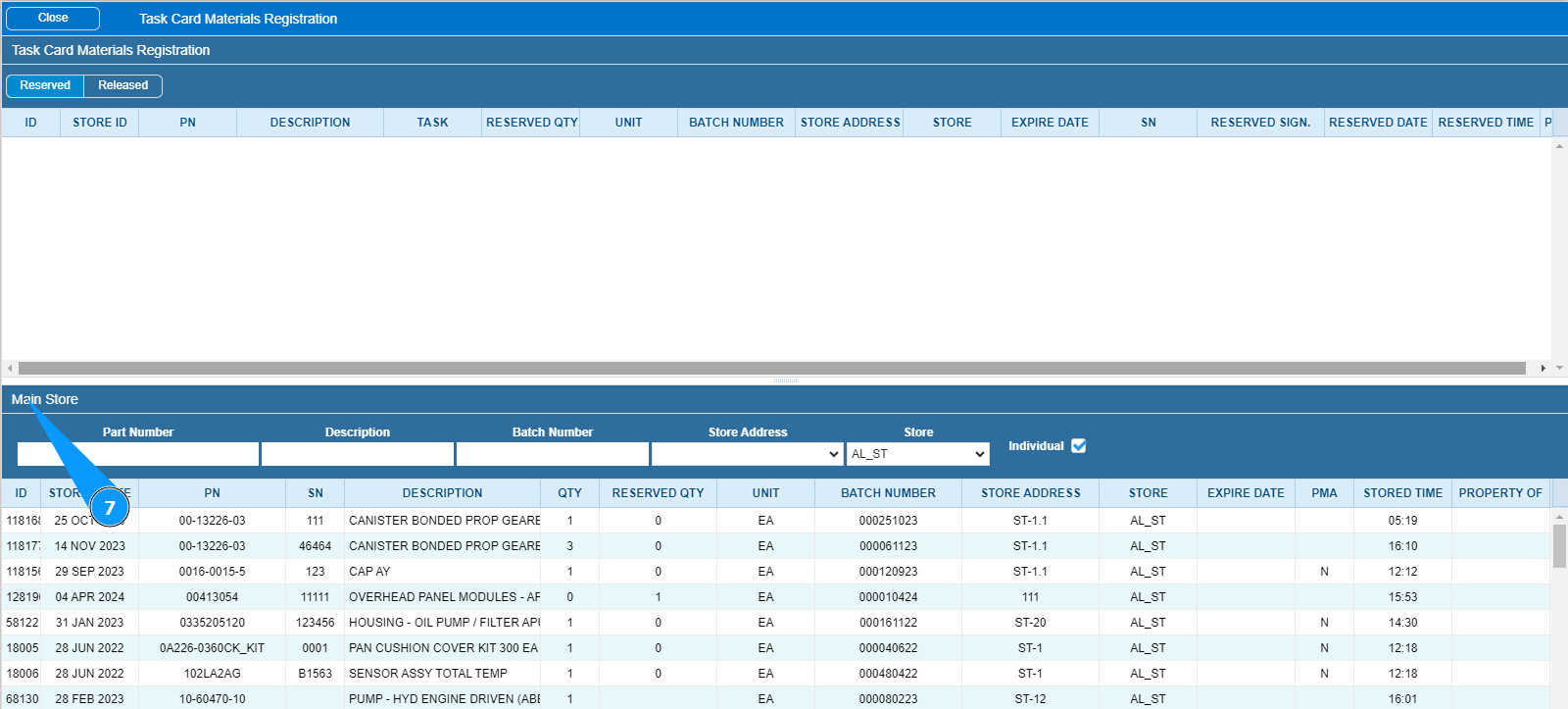
7. If necessary, it is possible to check the availability of components and materials in store in the window "Main Store".
Note: The working with materials and components for reservation and issuance is carried out in the server version of the program.