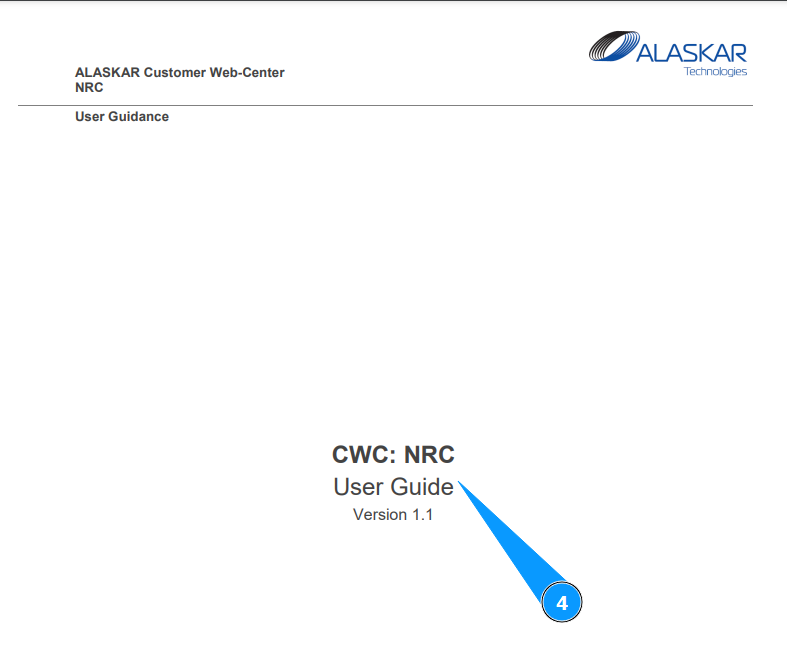
How to check help files
1. In order to check help files, in the upper part of the open web center, go to the submodule "Help".
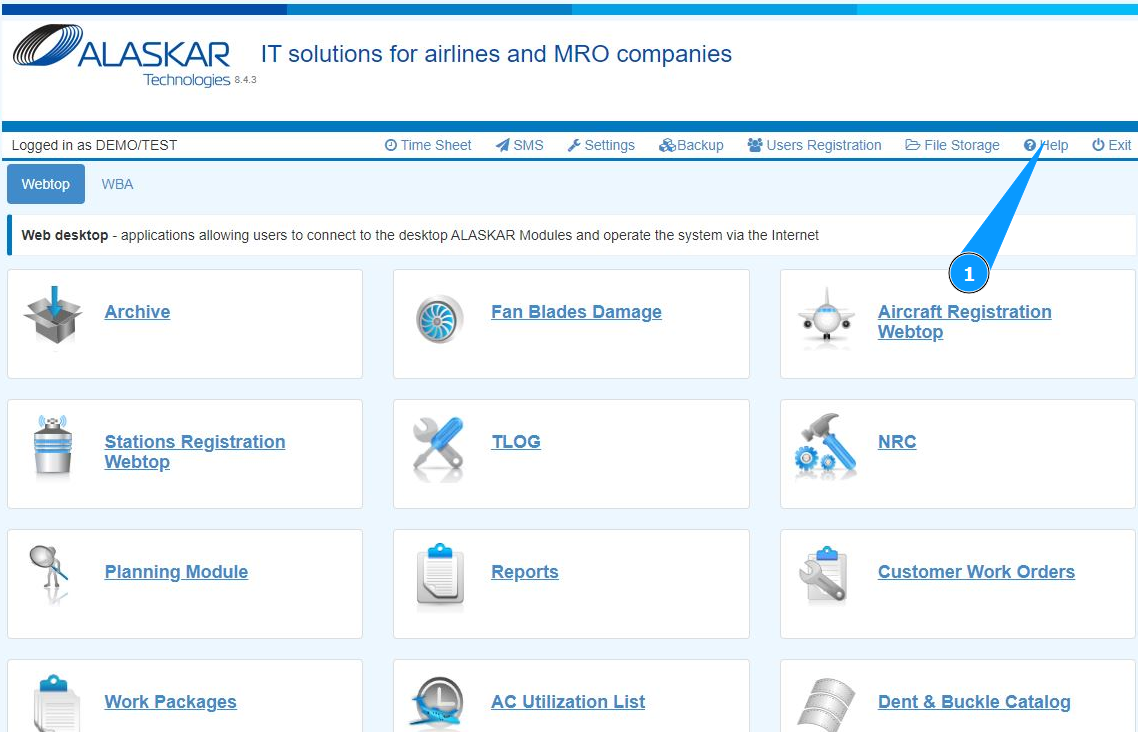
2. Make sure that the window for working with files has opened and is accessible.
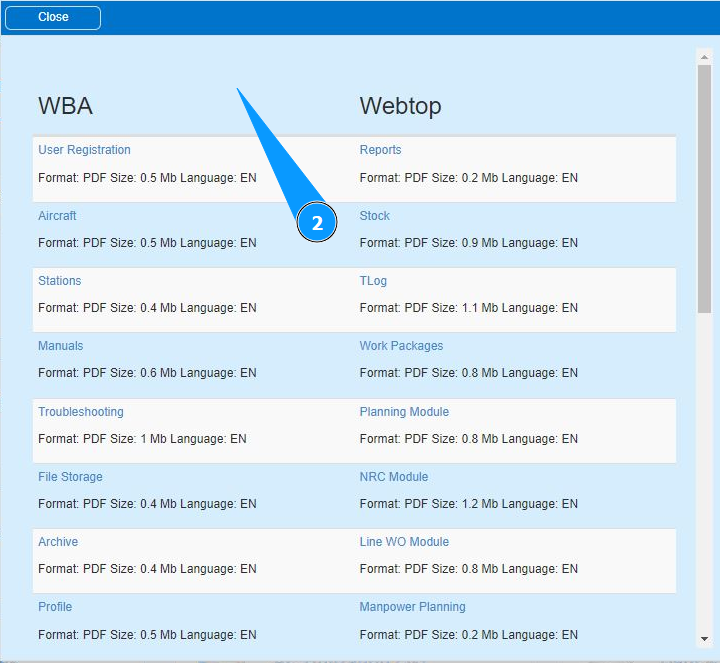
3. Use the scroll method to check the list of documents and click on the appropriate line.
.
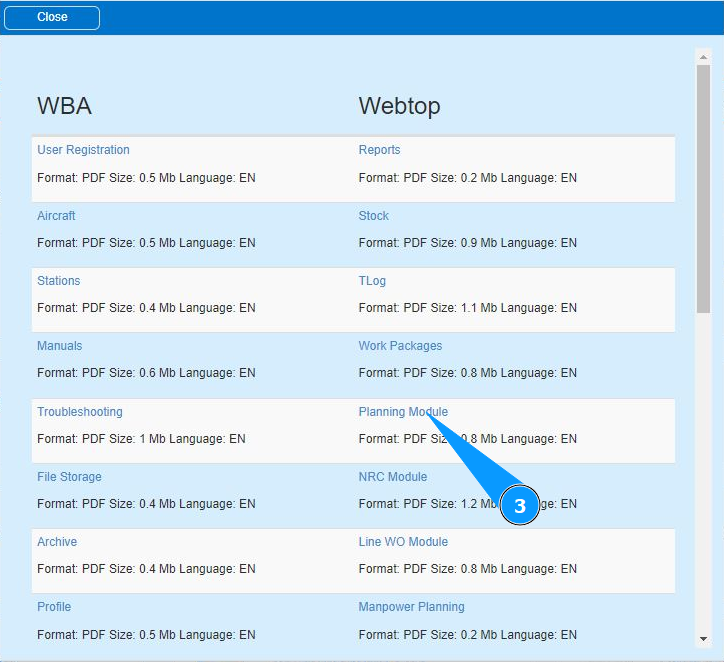
Note: Files with help are uploaded in PDF format.
4. Check that the required file has been opened. Check out the result.