How to check the planning forecast of materials
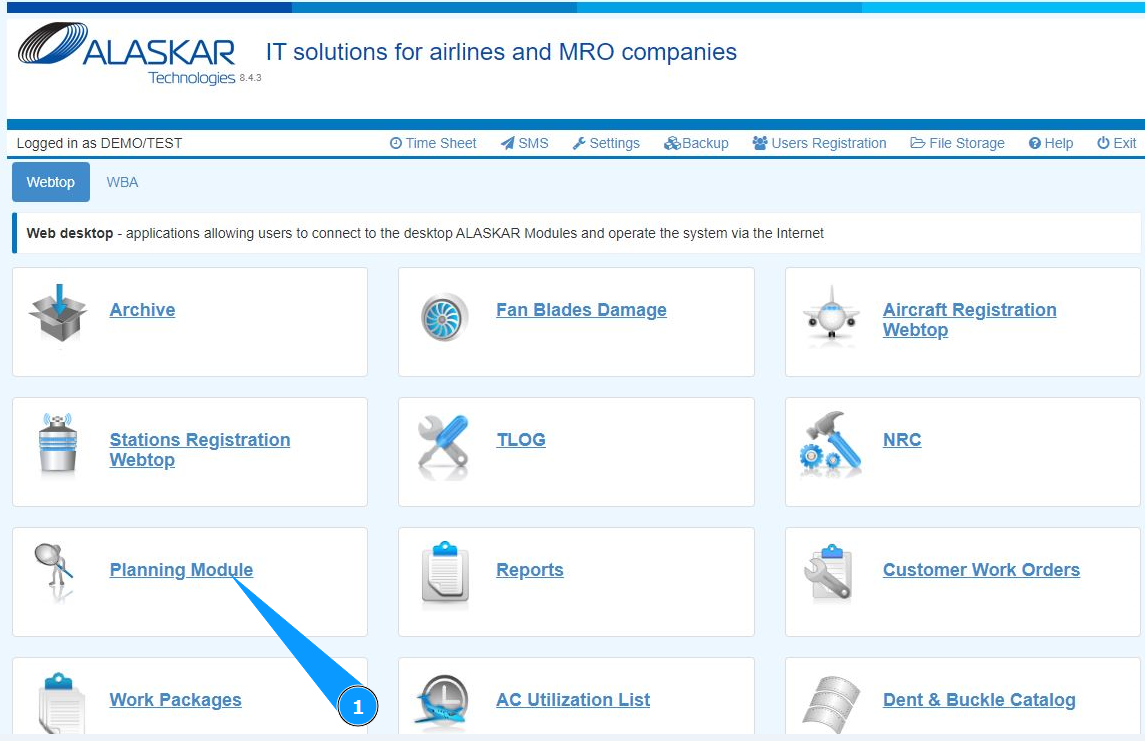
1. In order to check the planning forecast of materials, go to the submodule "Planning Module".
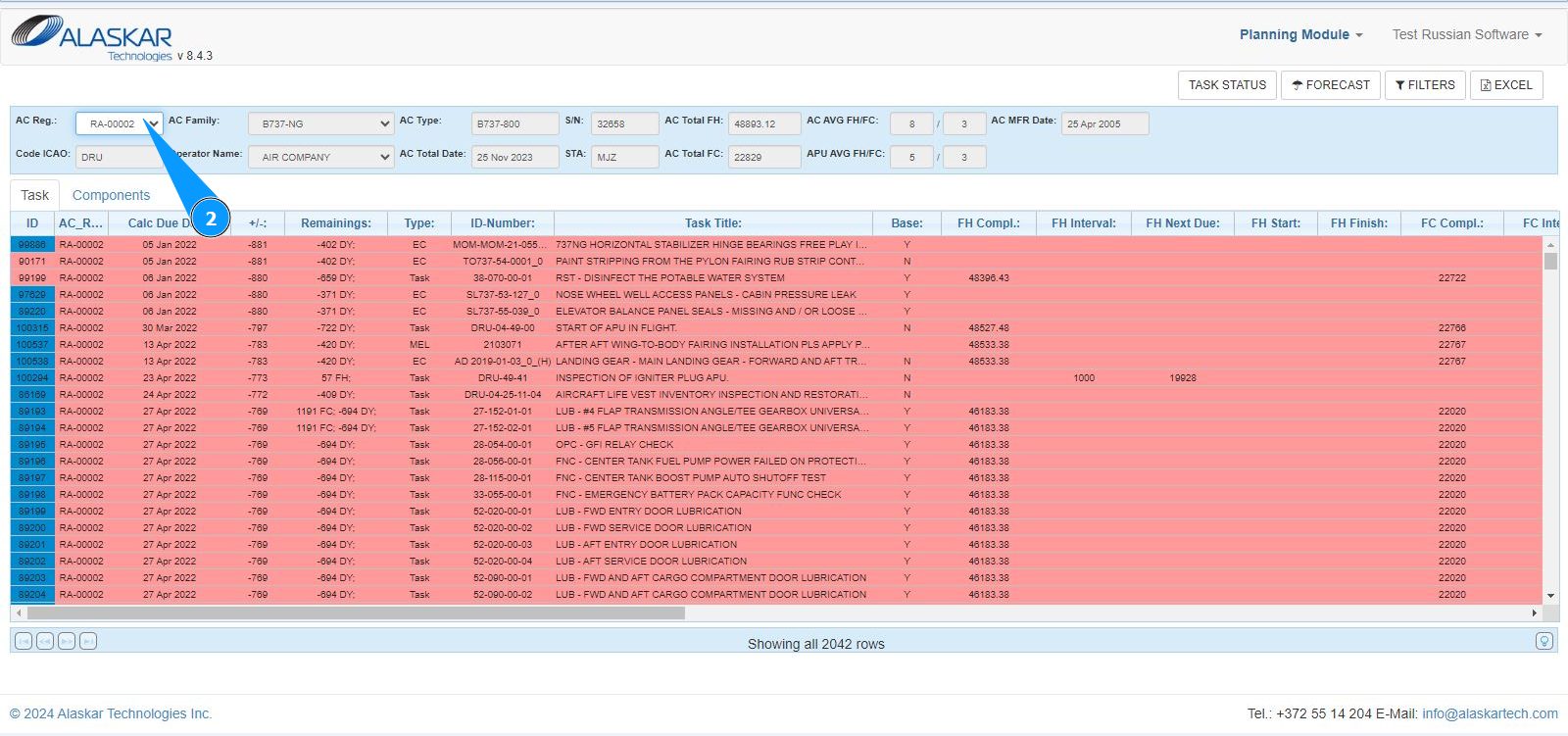
2. Select the aircraft registration number from the dropdown list in the field "AC Reg.".
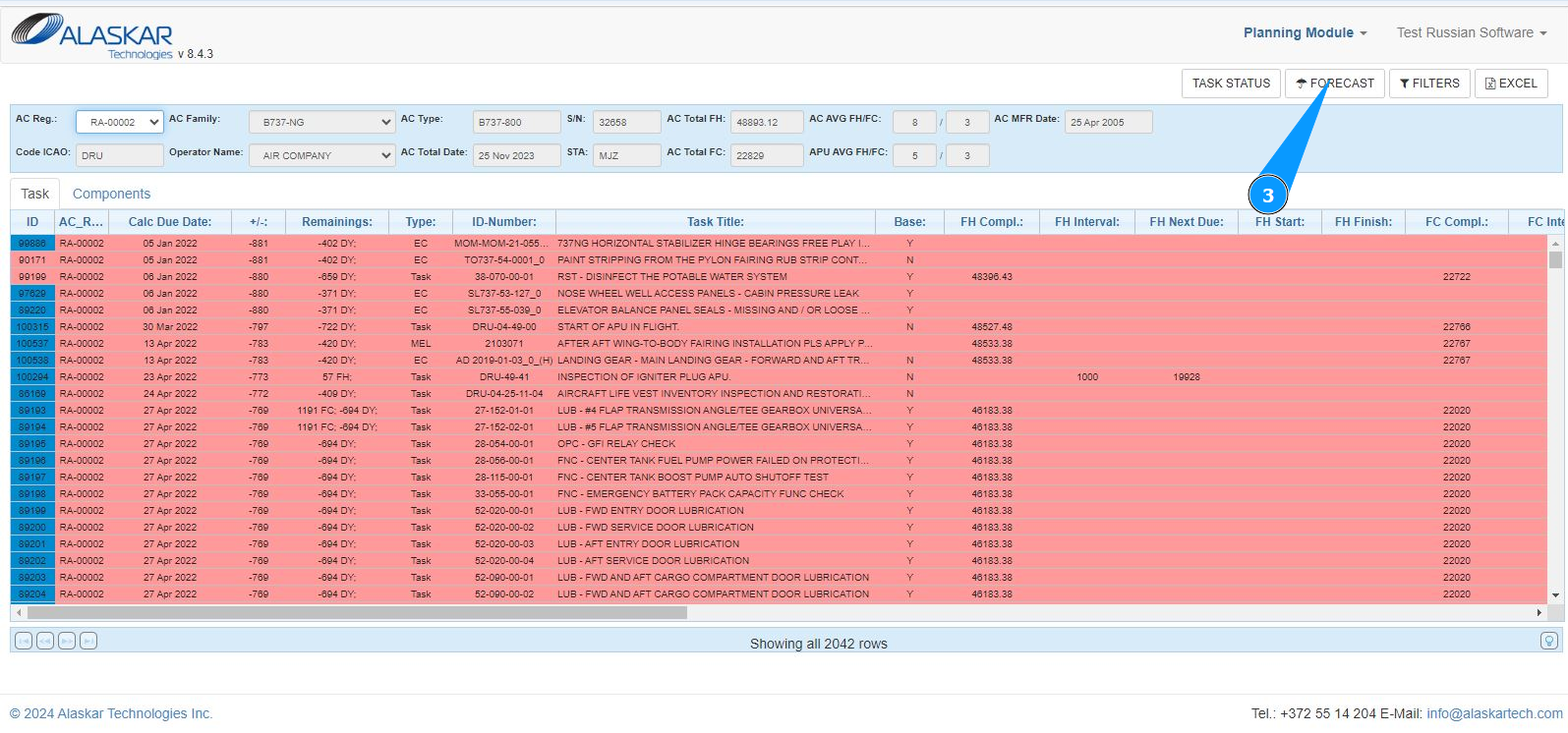
3. Click on the button "Forecast" to open forecast checking mode.
4. Go to the tab "Forecast Spare".
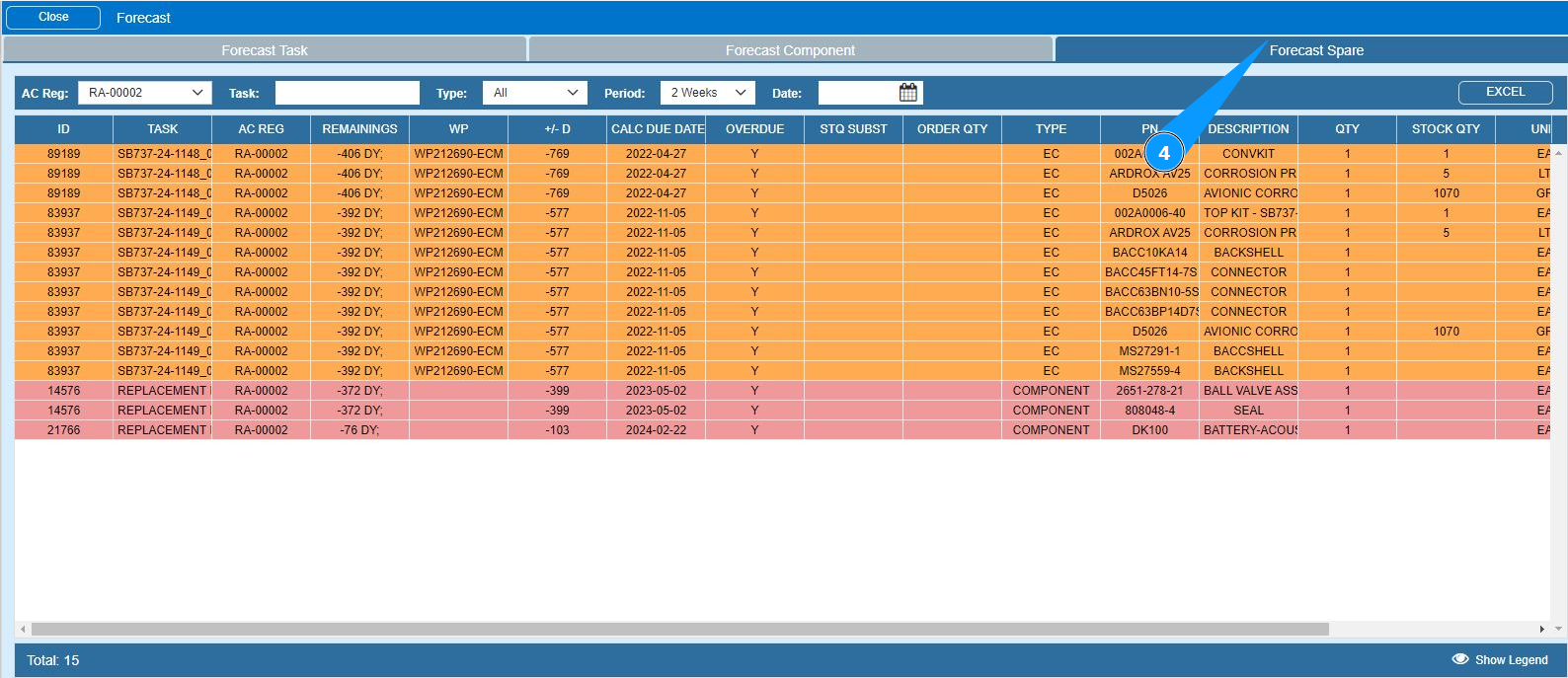
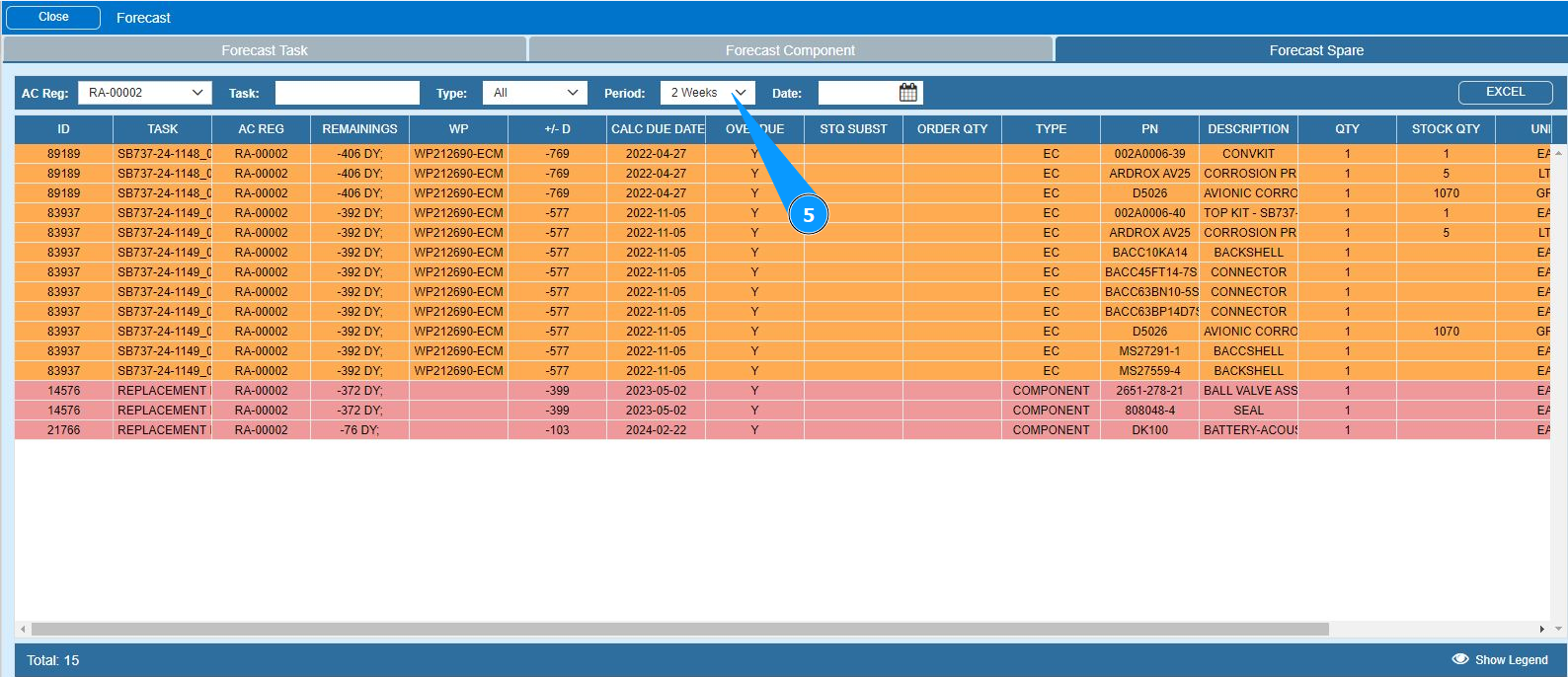
5. Select from the dropdown list the period for which you want to check a forecast. Note: If necessary, set the required forecast date in the field "Date".
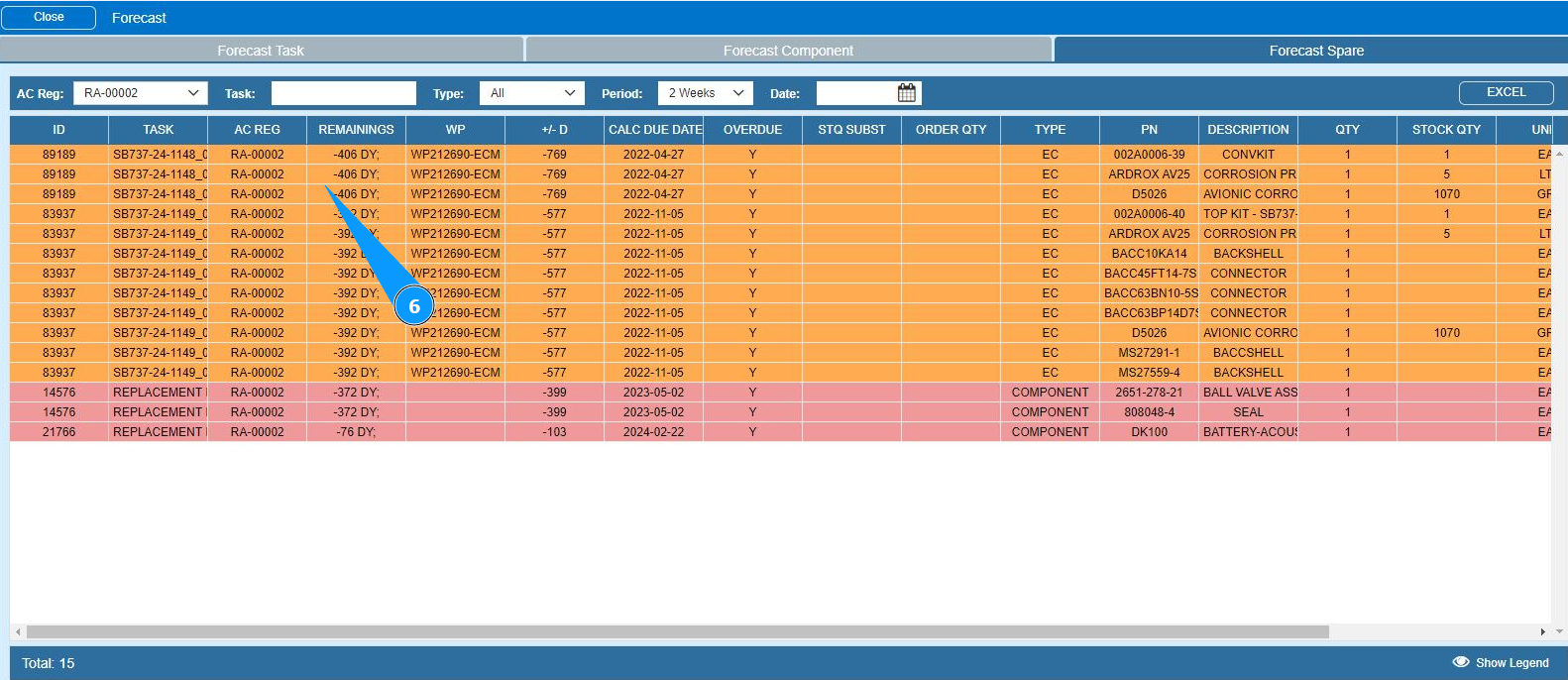
6. Check the formation of the required forecast result in the window "Forecast Spare".
.
Note: The forecast list has three color options. There are
- Red: task is overdue;
- Yellow: no more than 21 days before the due date;
- Green: more than 21 days left until the due date.
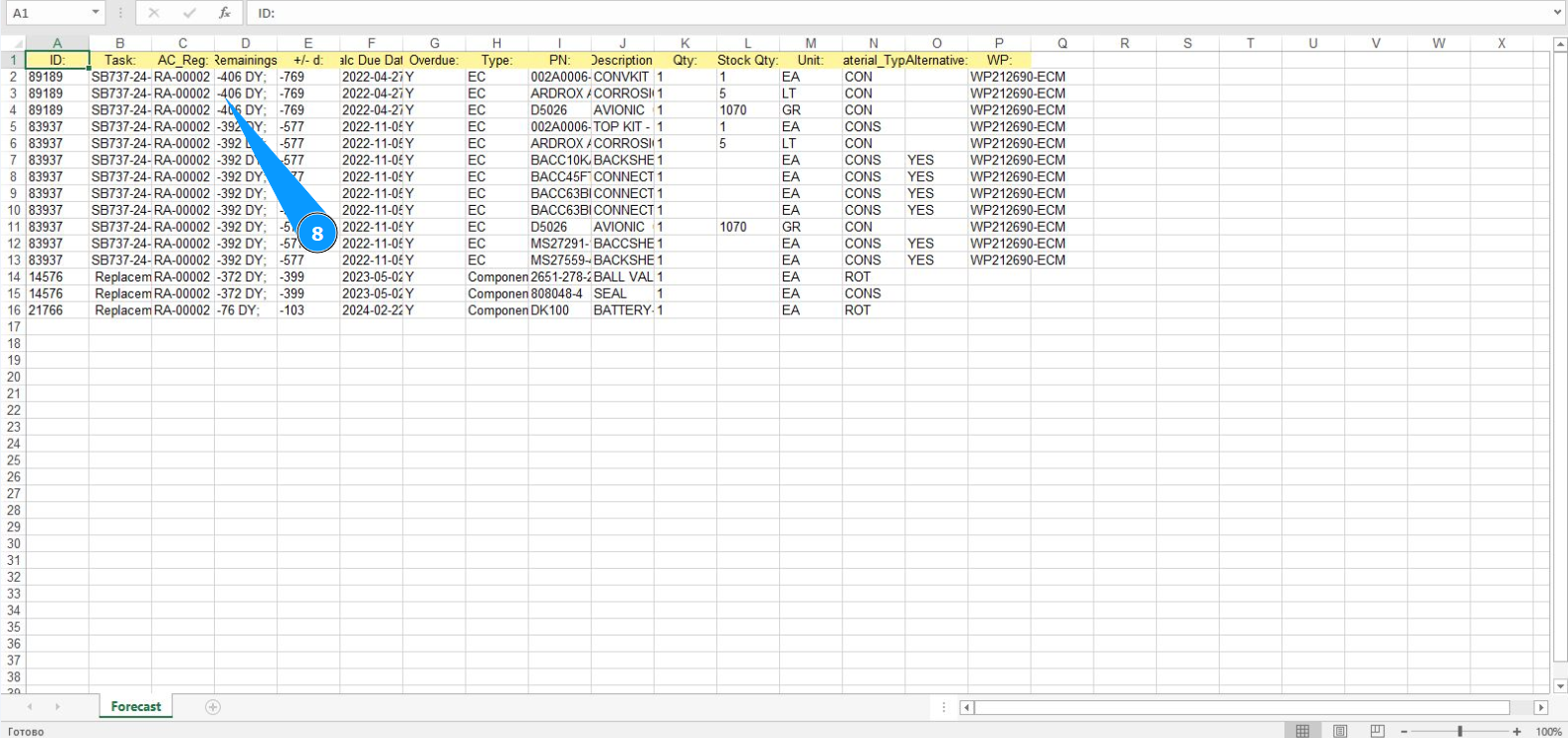
7. If necessary, download the forecast of components in Excel format, click on the button "Excel".
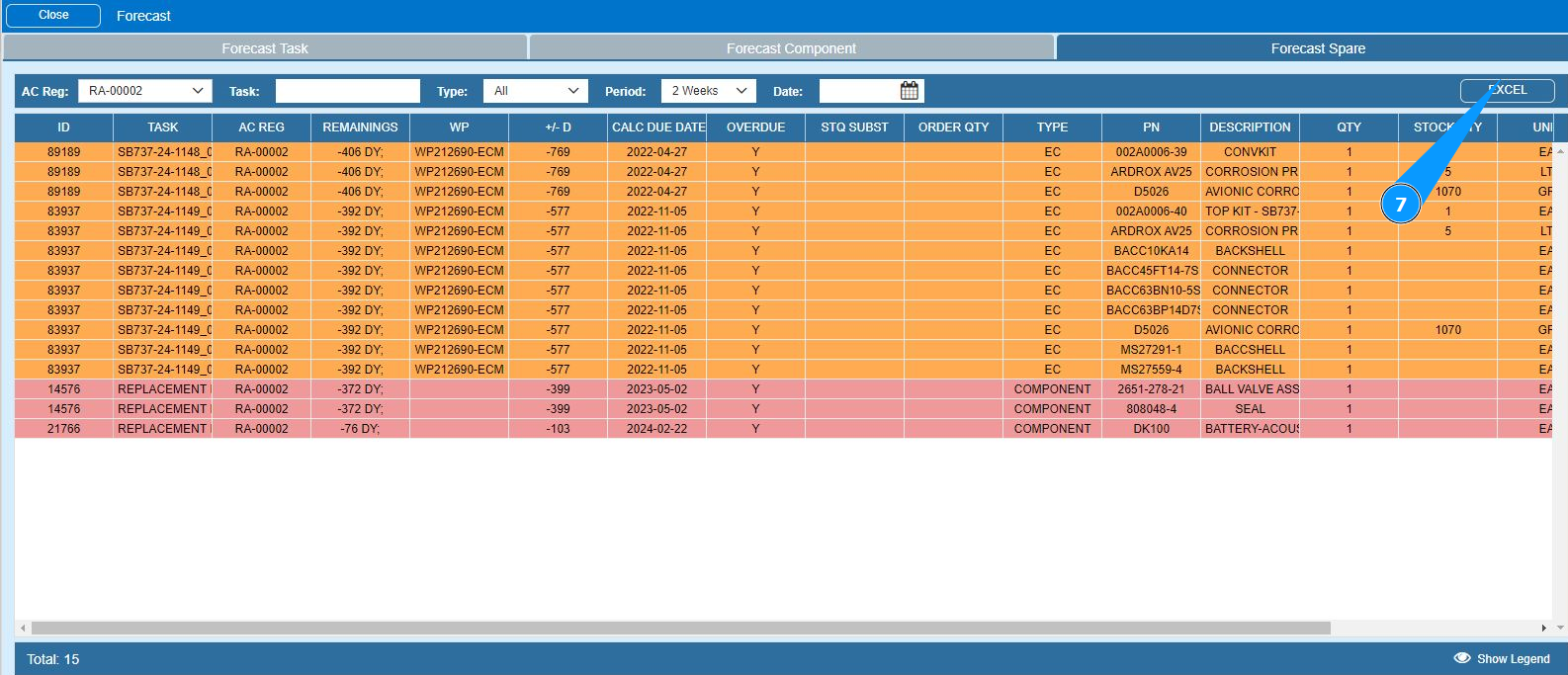
8. Check that the required report in Excel format is generated and displayed.
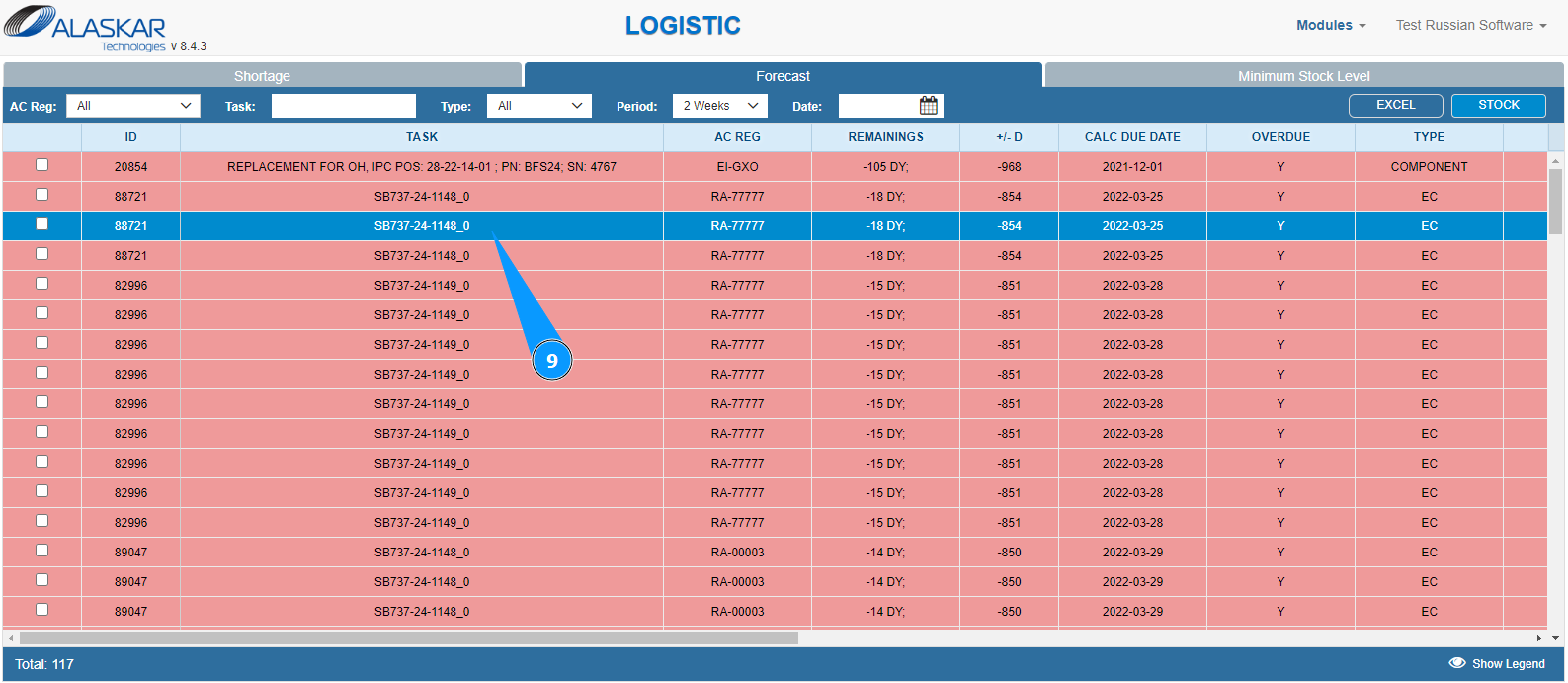
9. If necessary, you can check information about the required materials in the store. Click on the corresponding line.
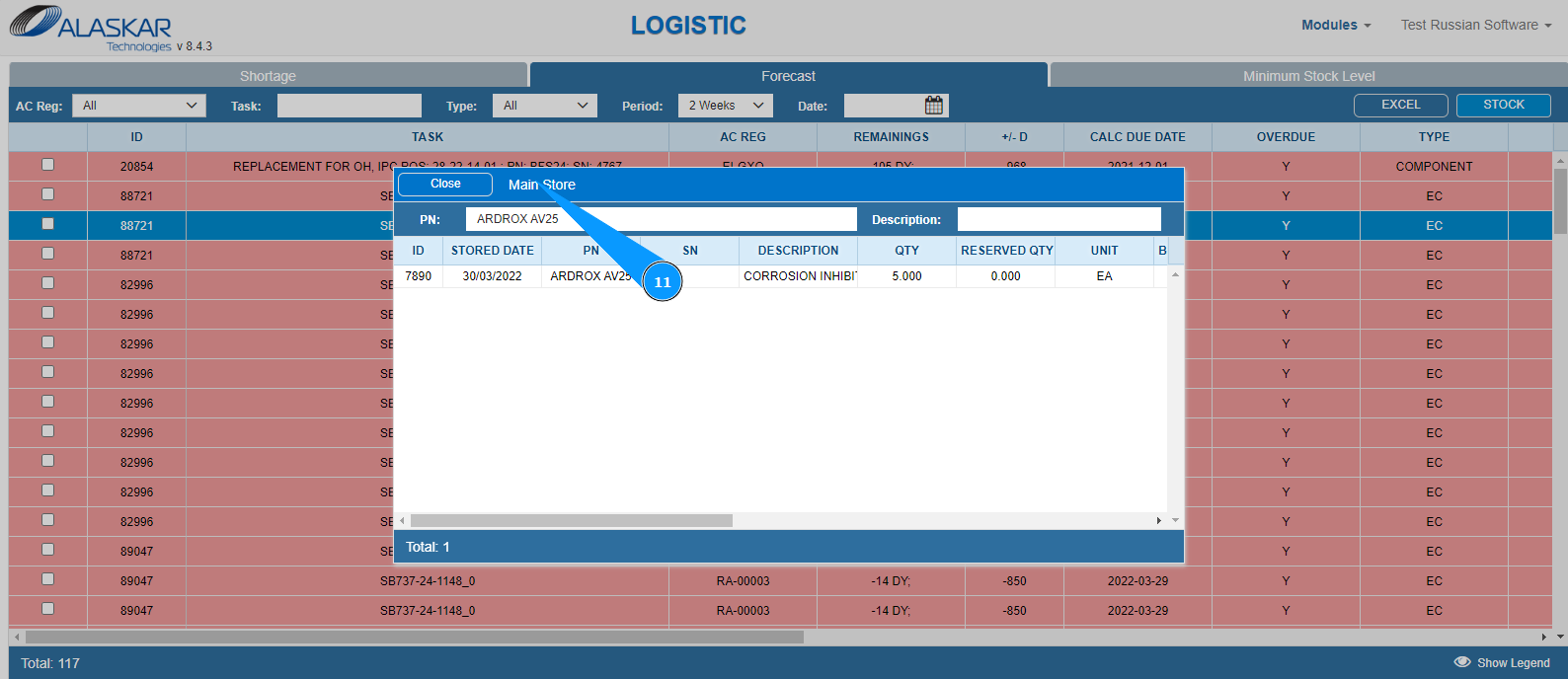
10. Click on the button "Stock" to go to the store information window.
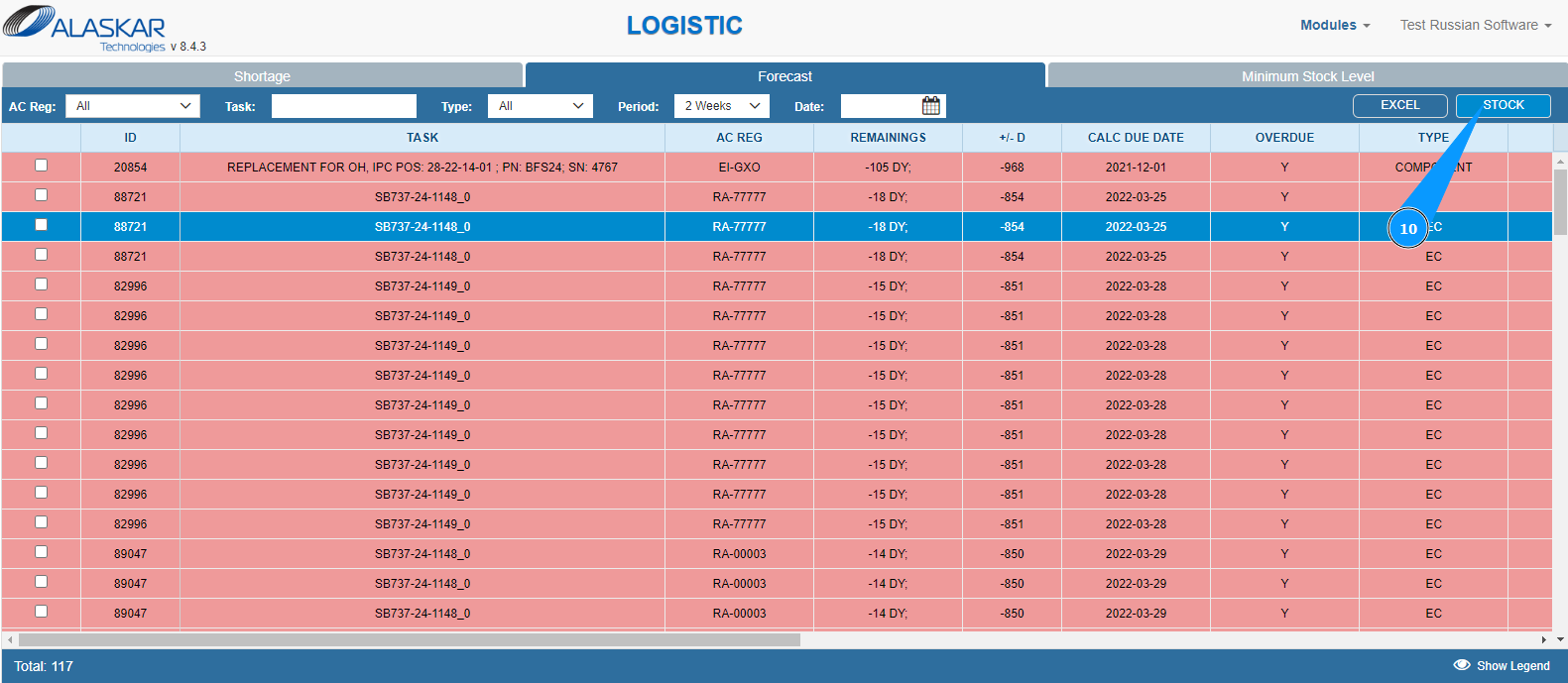
11. Make sure that the store data is displayed in the window "Main Store".