How to check the forecast of materials for a period
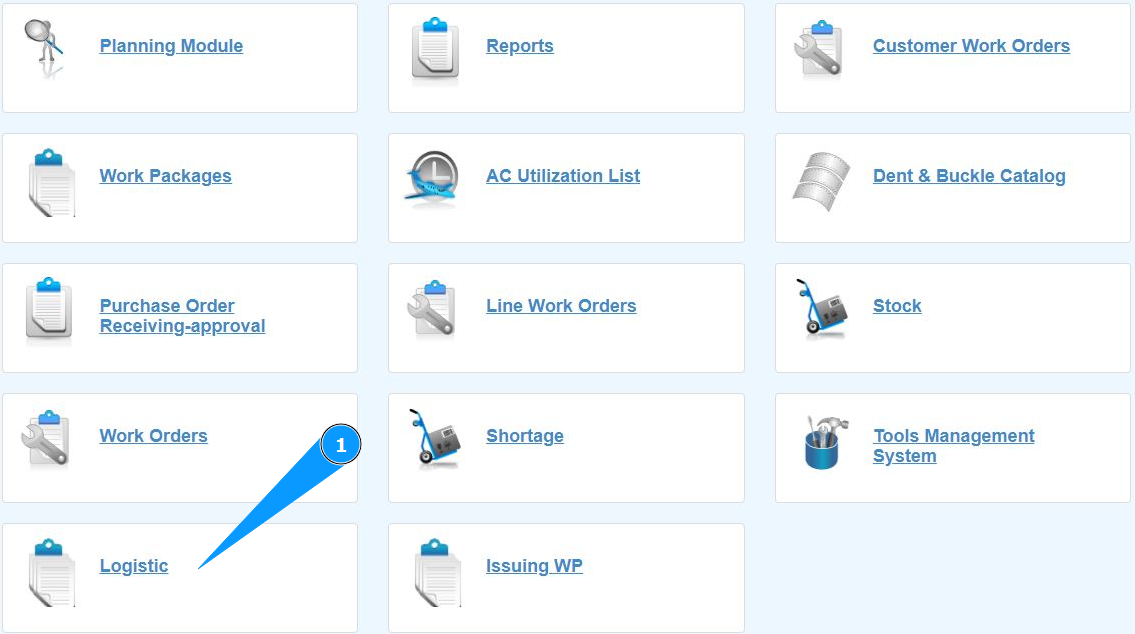
1. In order to check the forecast of materials for a period, go to the submodule "Logistic".
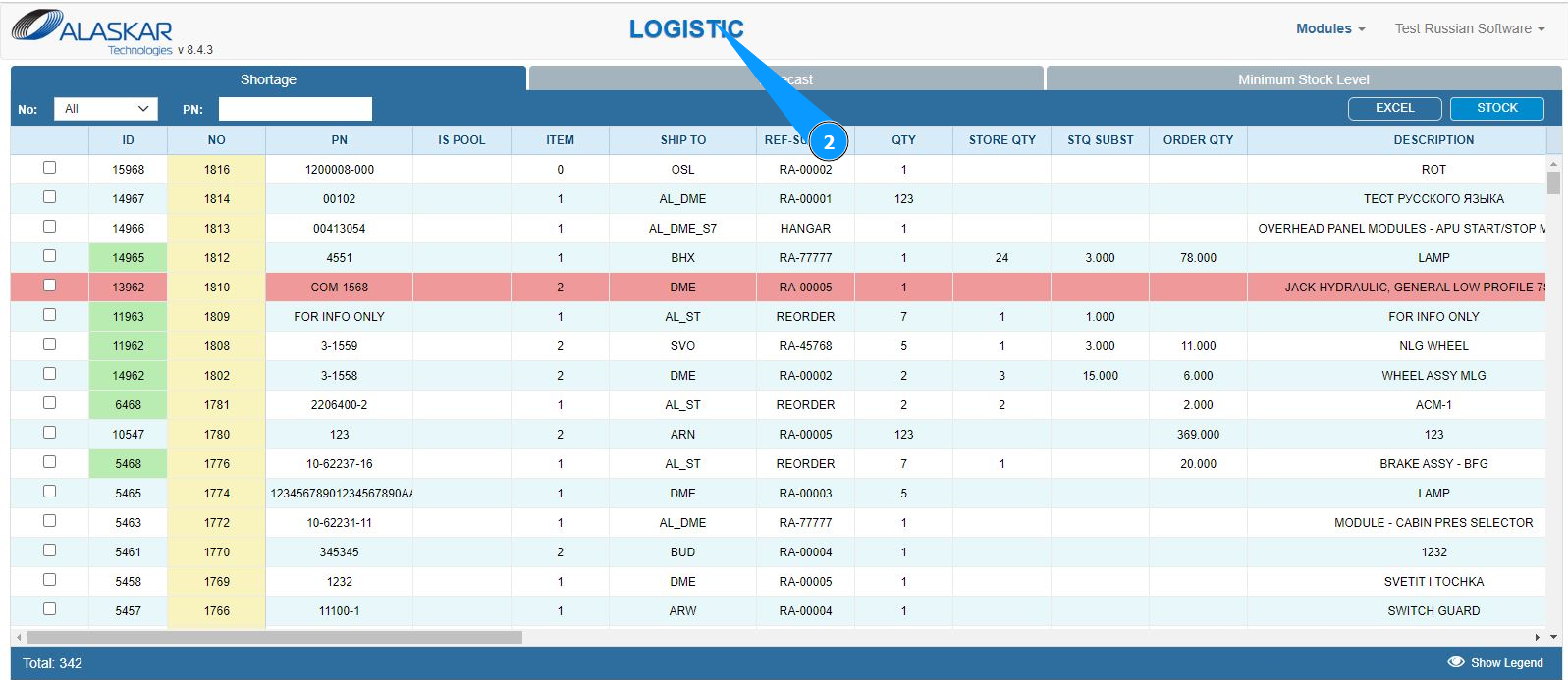
2. Make sure that the window for working with requests has opened and is available in the window "Logistic".
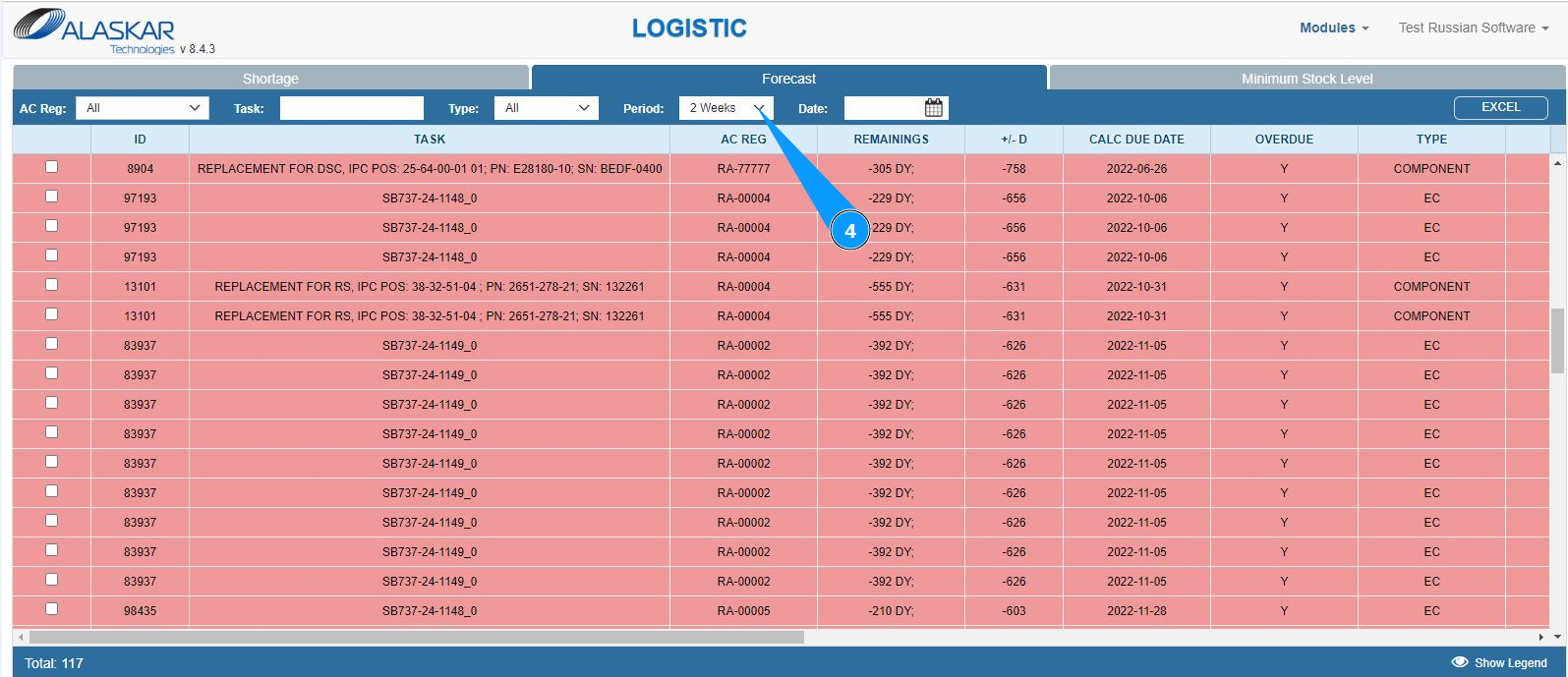
3. Go to the tab "Forecast" and click in the appropriate field.
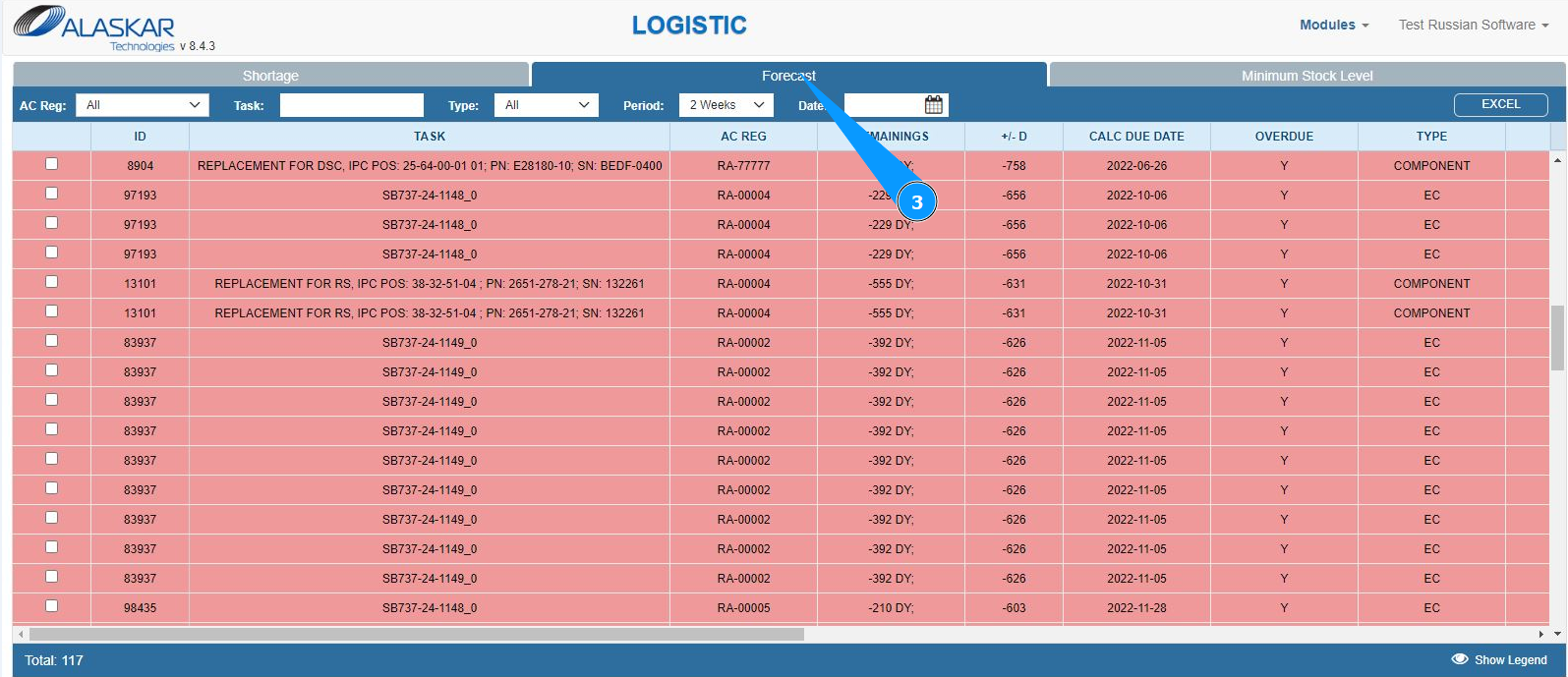
4. The top panel provides filters, select the required option to filter the list.
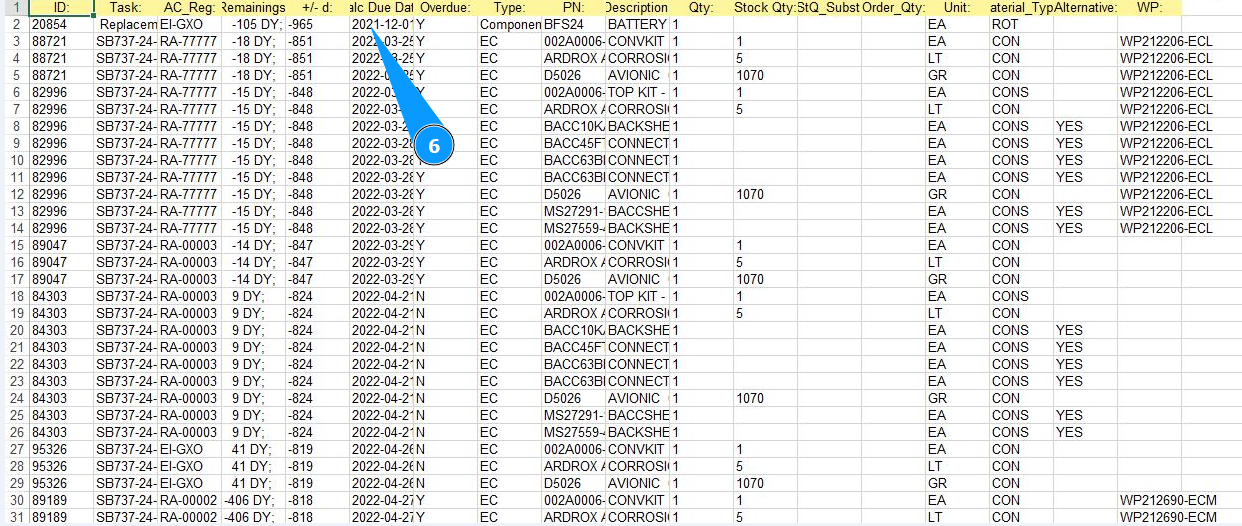
5. If necessary, you can check the filtered list in Excel format, click on the button "Excel".
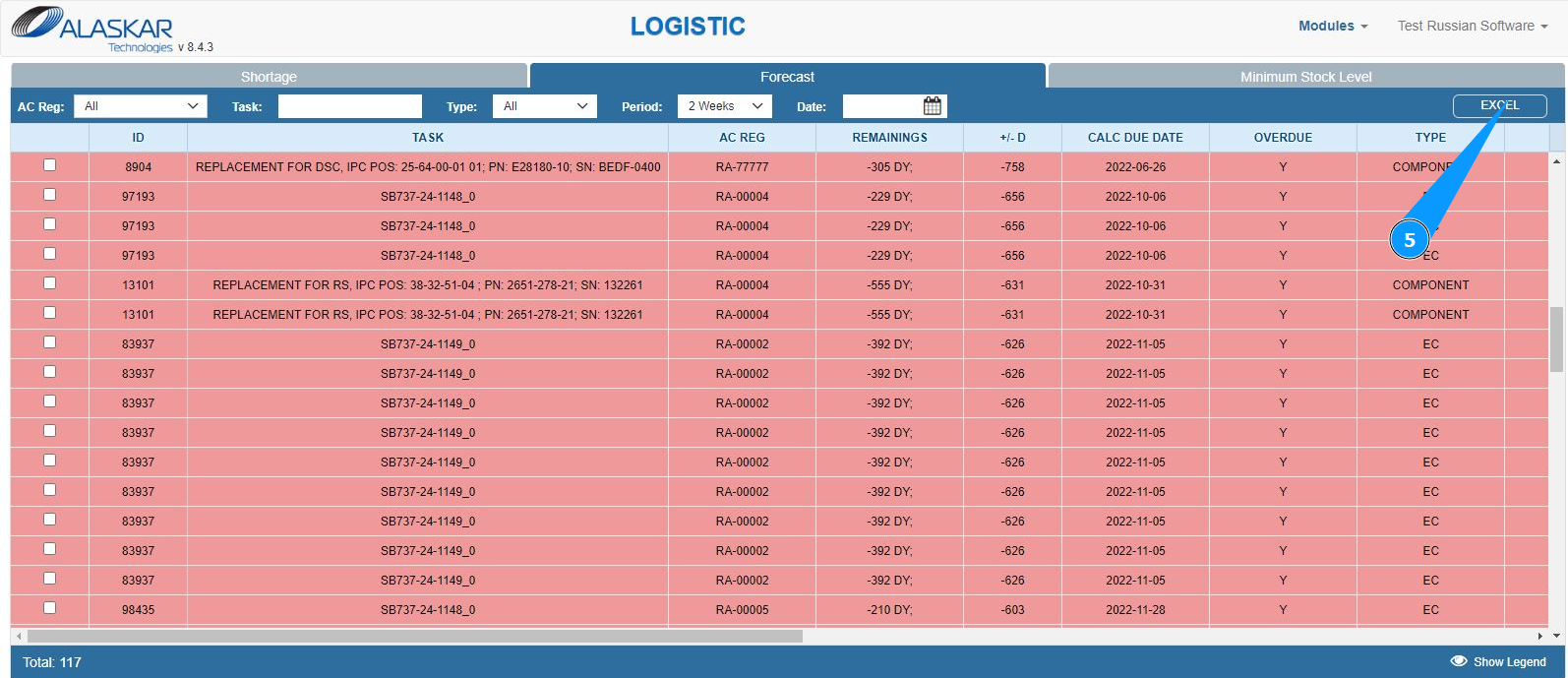
6. Make sure that the report is on your screen. If necessary, print a paper form.