title: "How to check tool expiration dates" weight: 1 draft: false
1. In order to check the tool expiration dates, go to the submodule "Tools Management System".
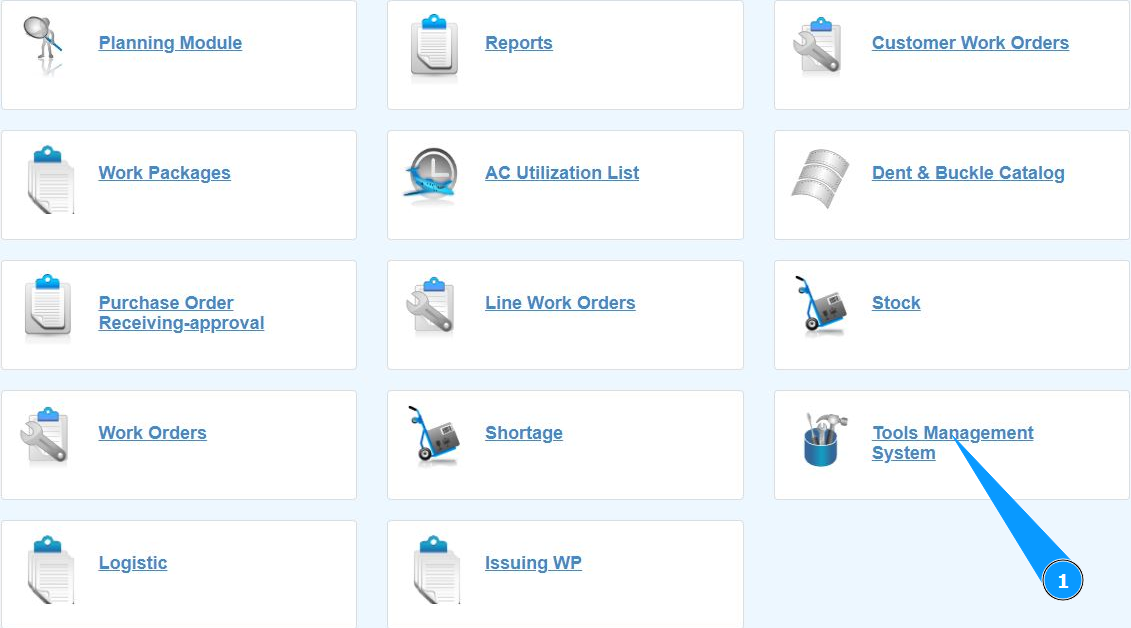
2. Make sure that the window for working with the tool is open and accessible in the window "Tools Management System".

.
Note: Use the available filters in the search for the tool you are looking for to check in the fields "Owner", "All", "In Stock" and "Out Stock".
3. Enter the date for which you want to filter the calibrated or verified tool in the field "Expire Date".
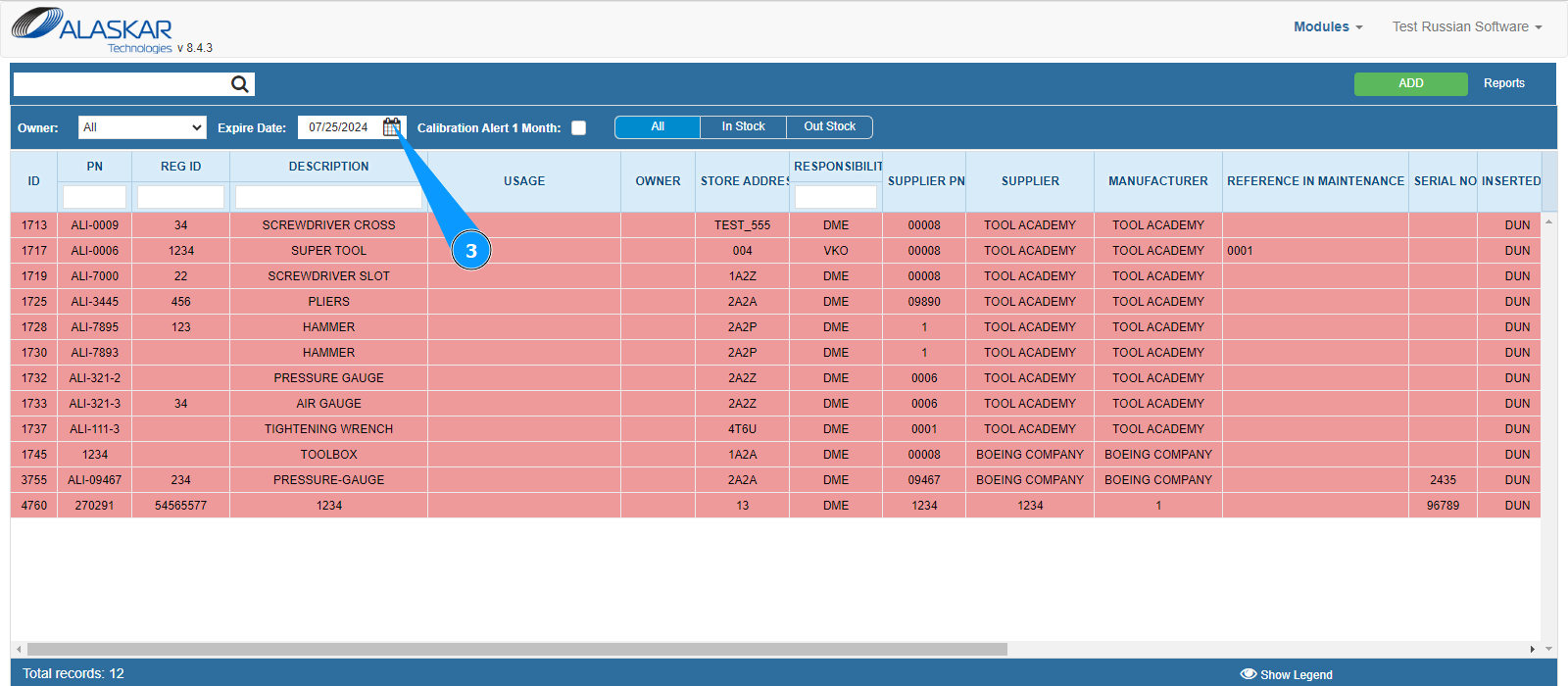
4. Check out the result on your screen.