How to add man-hours to a Line Work Order
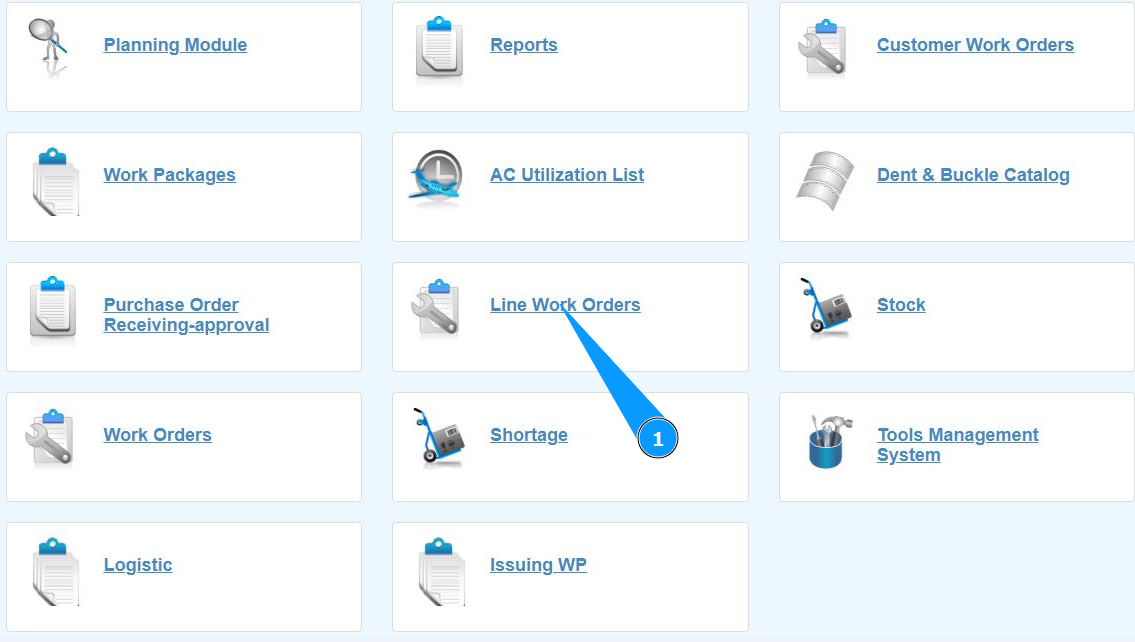
1. In order to add man hours to the Line Work Order, go to the submodule "Line Work Orders".
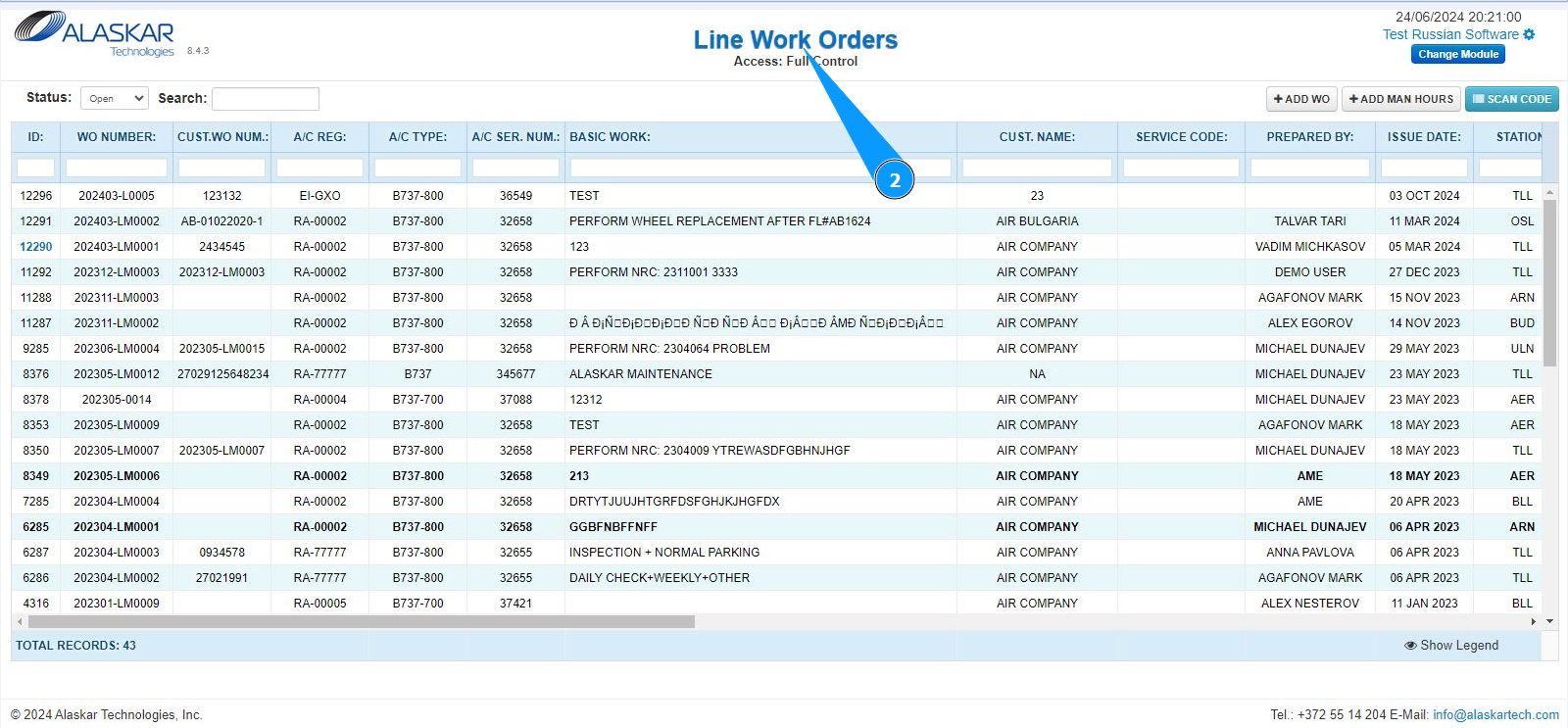
2. Make sure that the window for working with LWO is open and accessible in the window "Line Work Orders".
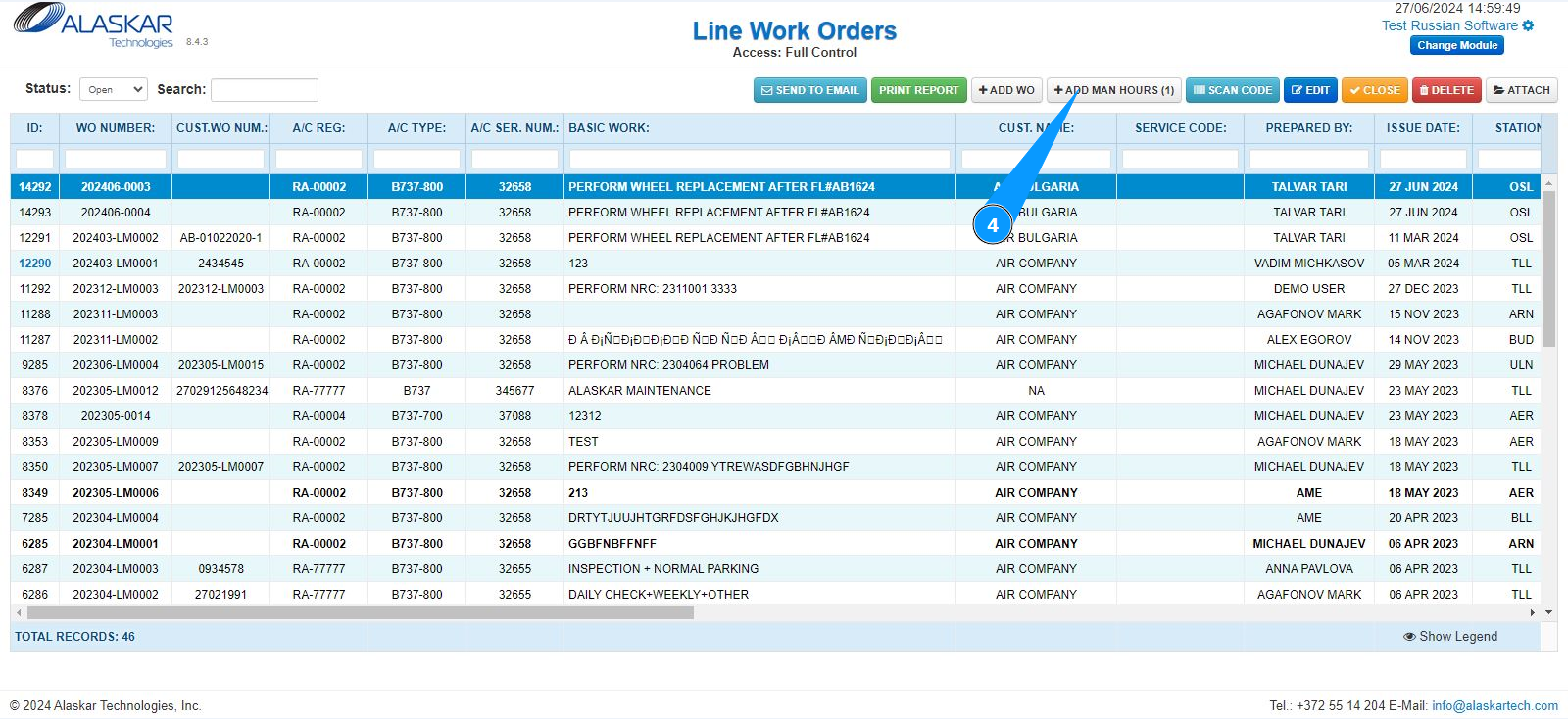
3. Select the required LWO line from the list to add additional man hours. Click on a line to highlight it. Note: If necessary, use the available search filters: "ID", "WO Number" and so on.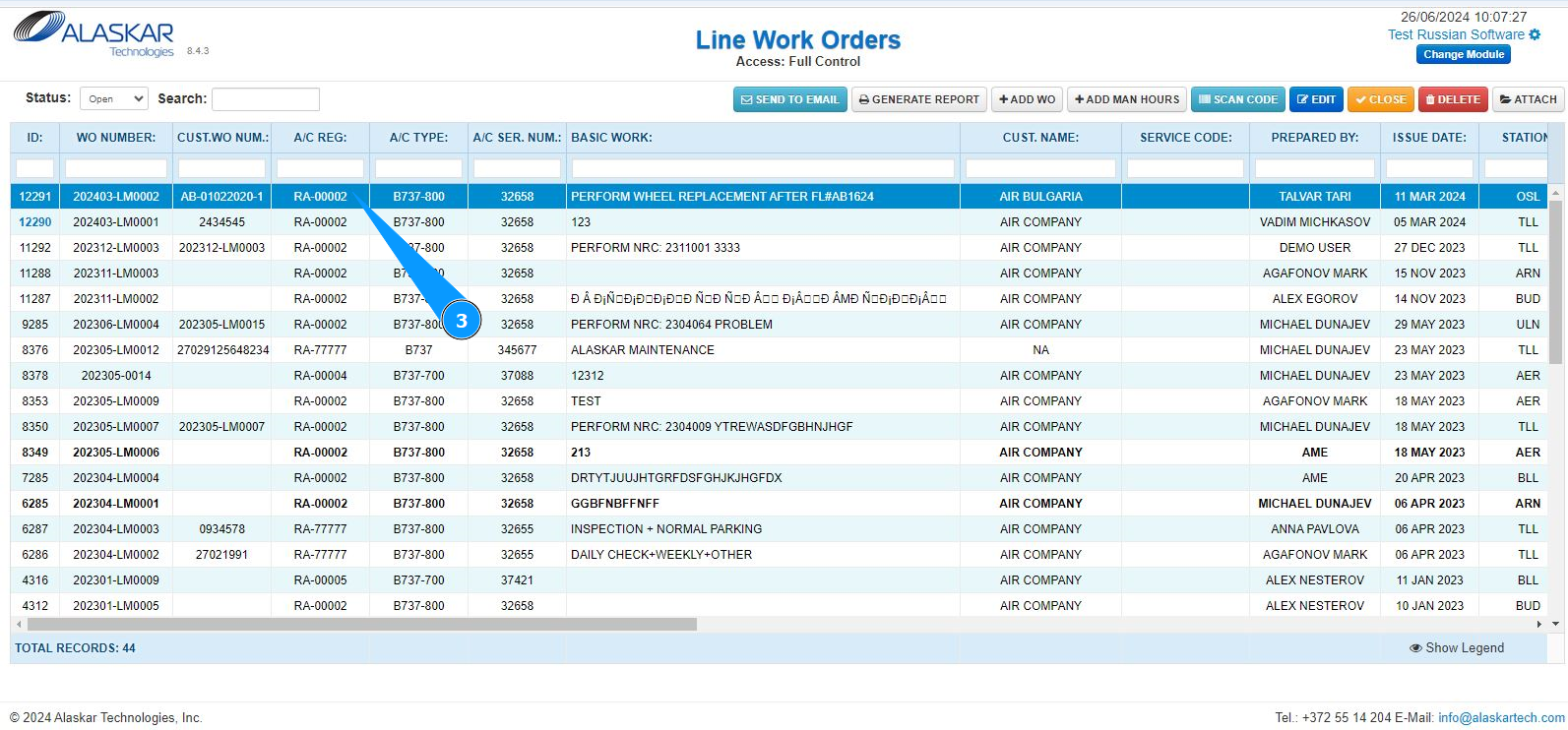
4. Click on the button "Add man hours".
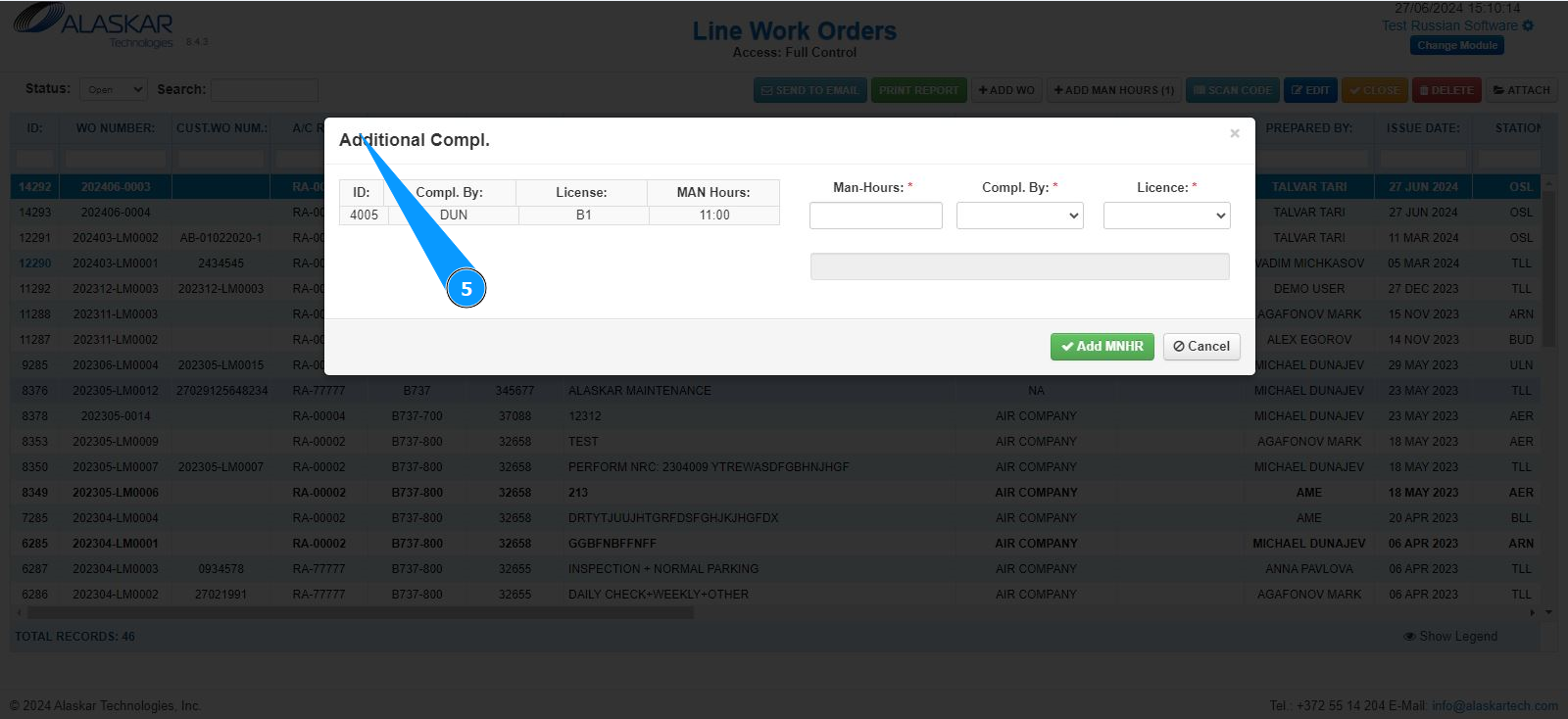
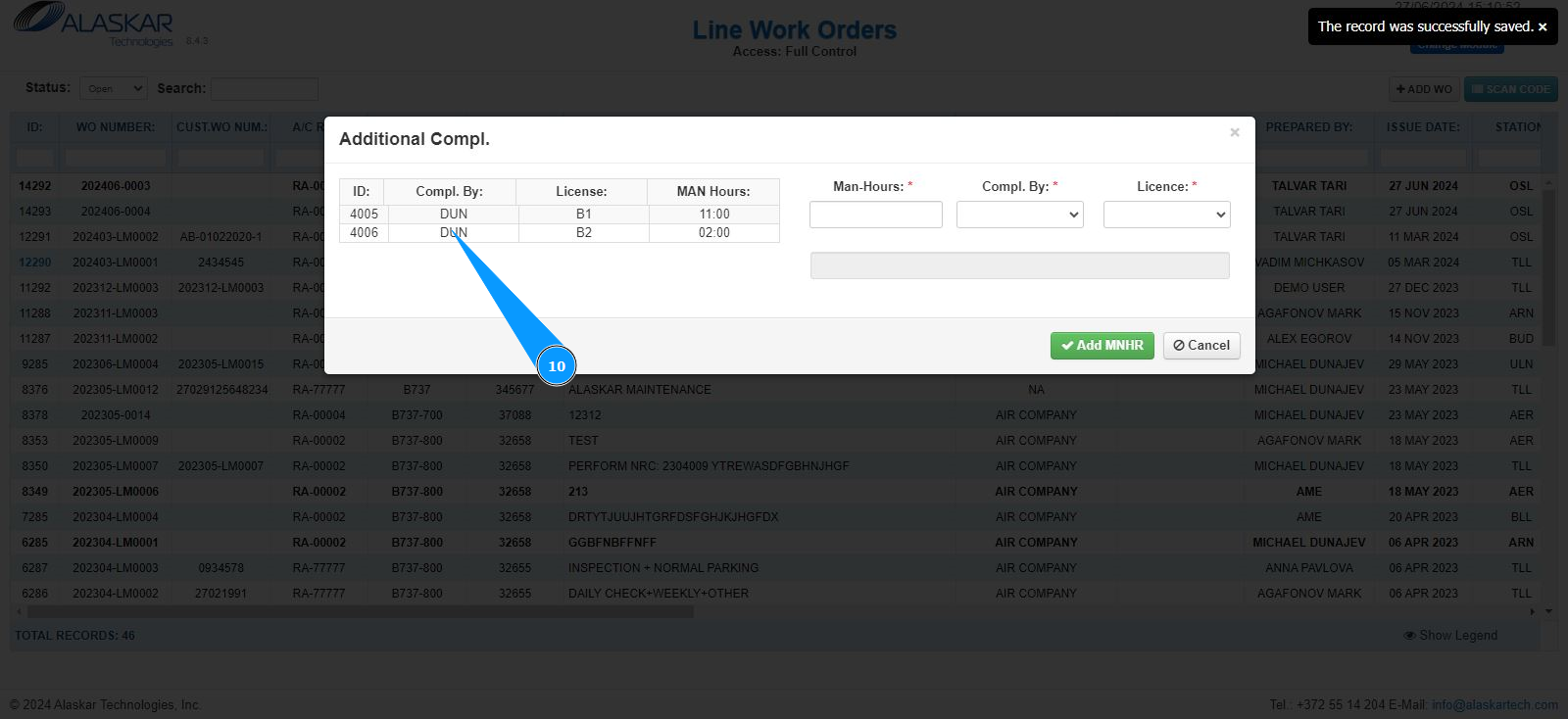
5. Make sure that the editor for working with man hours has opened and is available in the window "Additional Compl.".
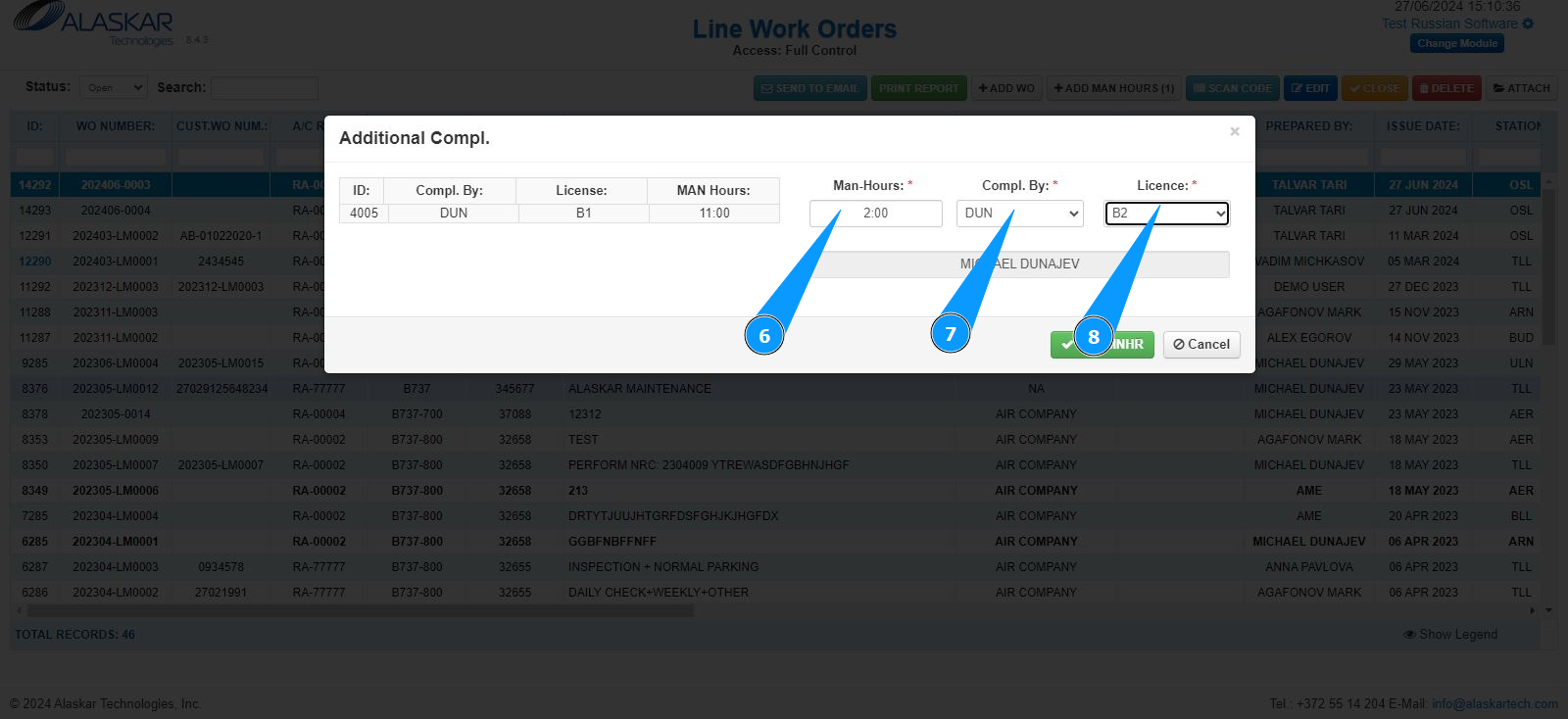
6. Enter information about the number of man hours in the field "Man-Hours".
7. Select who performed the LWO from the dropdown list in the field "Compl.by".
8. Select the qualifications of the work performer from the dropdown list in the field "License".
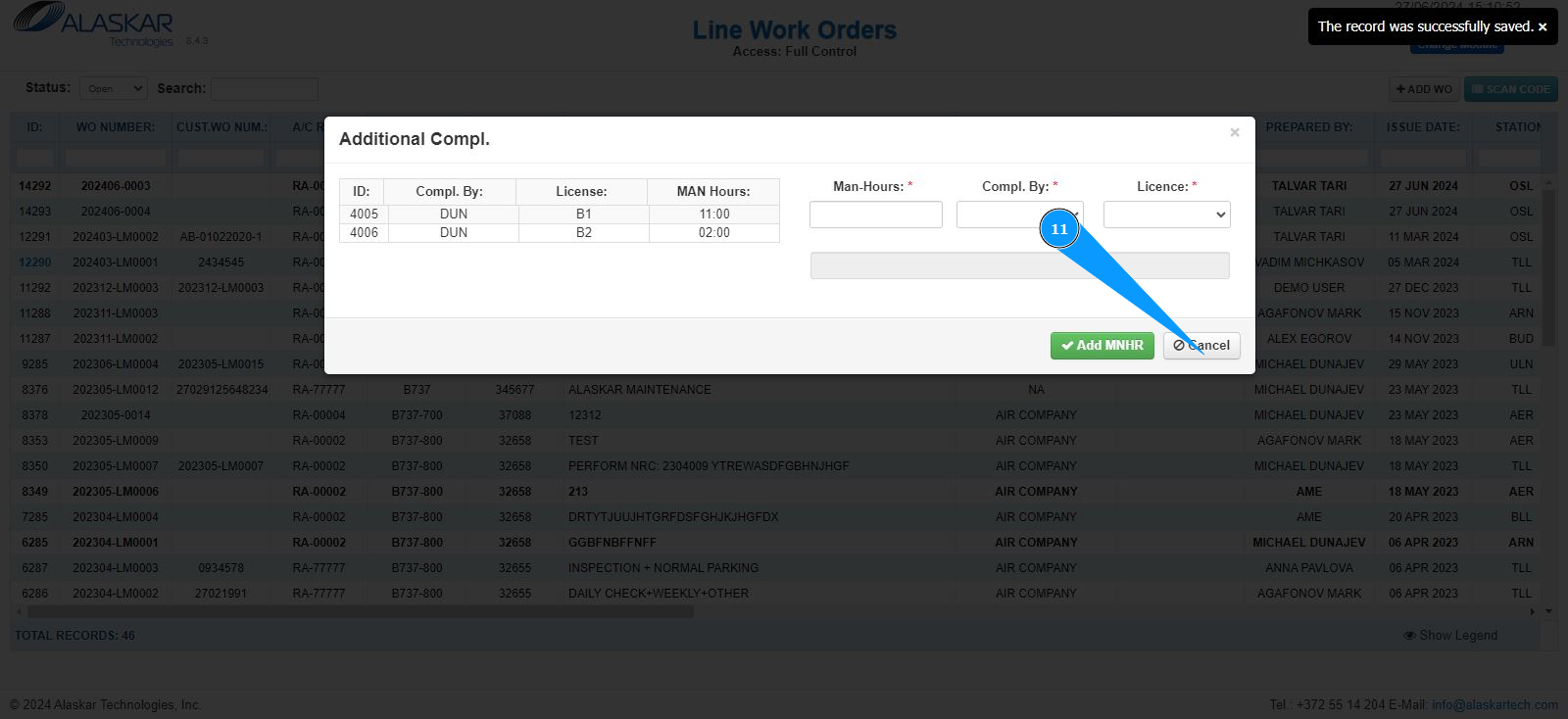
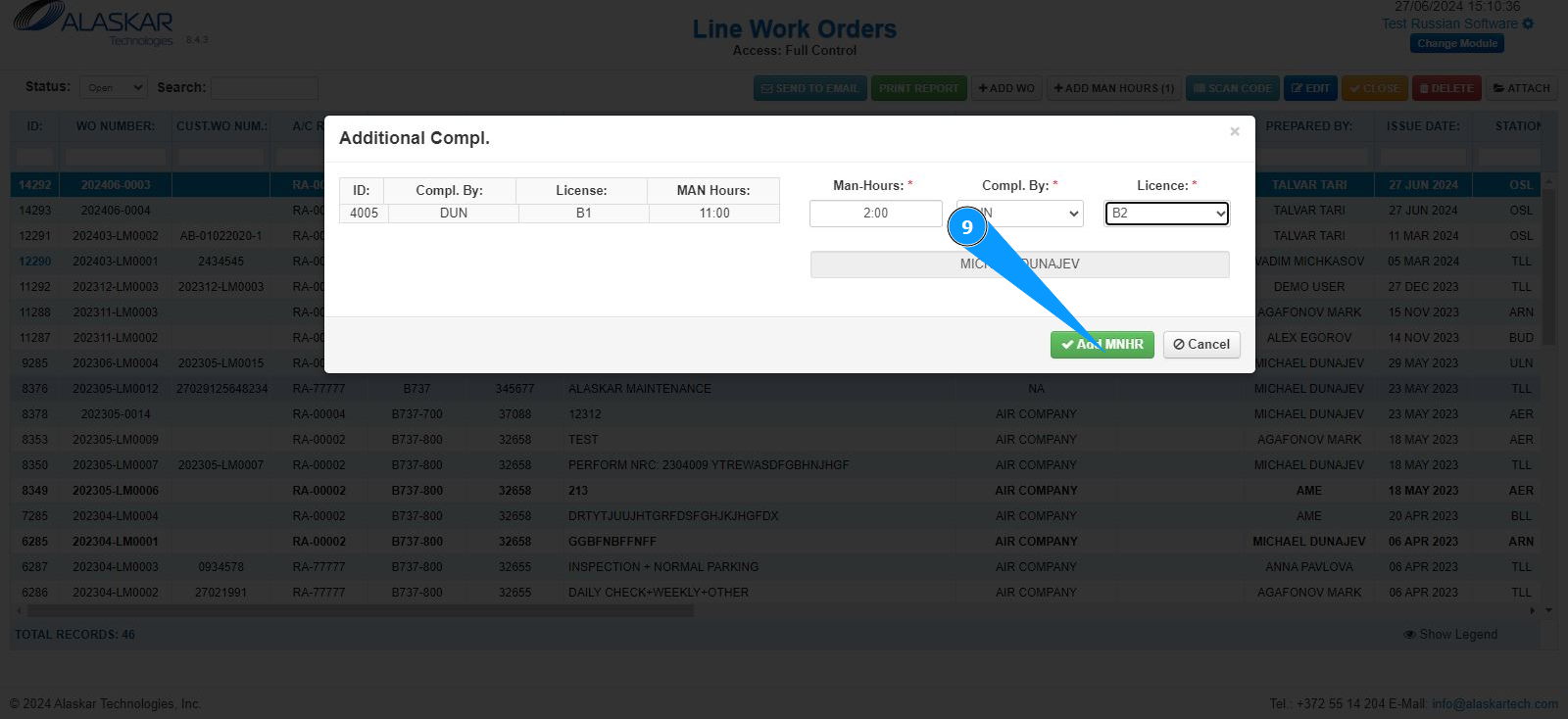
9. Click on the button "Add MHRS" to upload the entered data into the program.
10. Check the record with man hours is displayed.
11. Exit from the editor for entering additional man hours, click on the button "Cancel".