How to add a manual
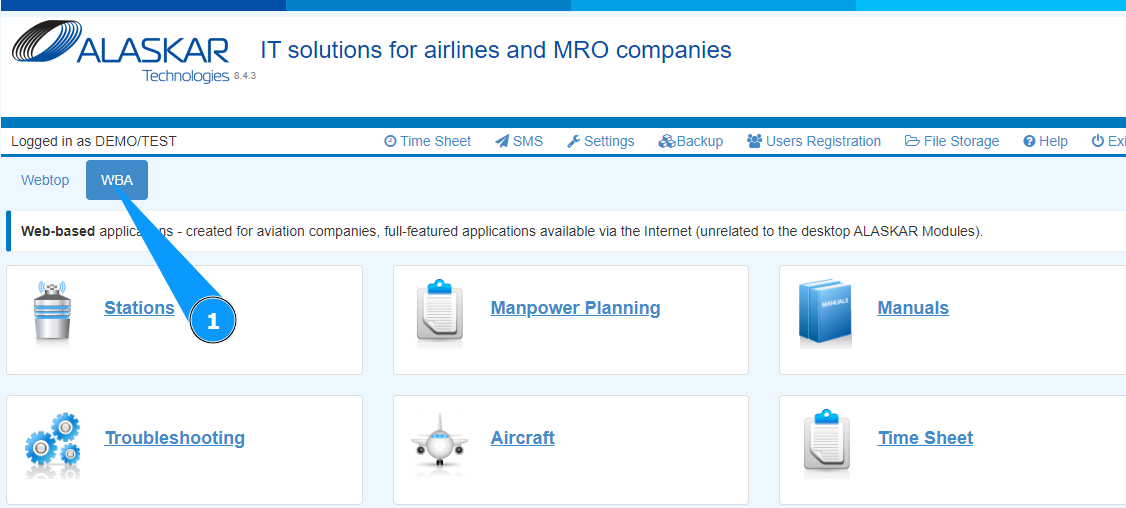
1. In order to add a manual, go to the tab "WBA".
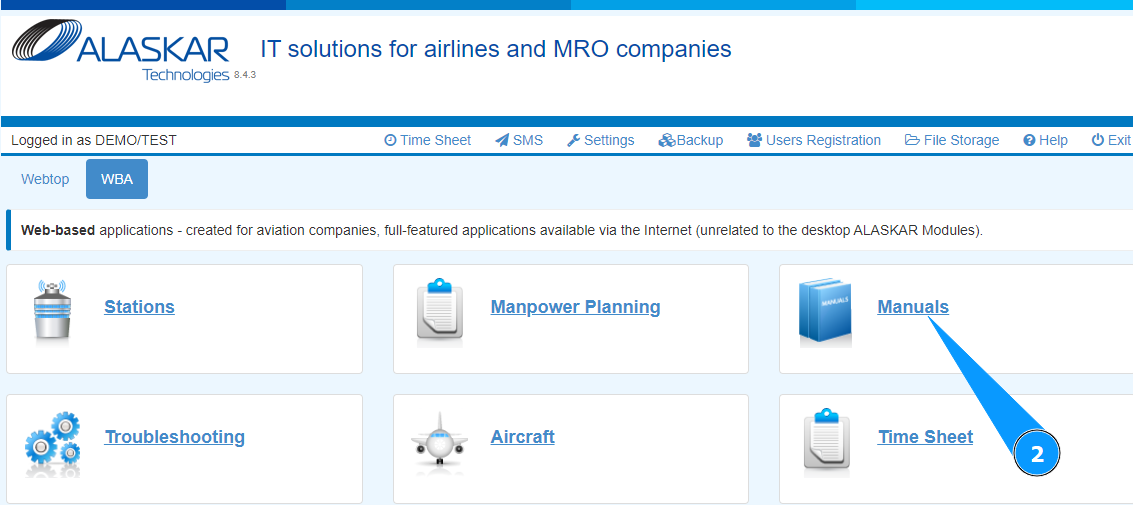
2. Go to the submodule "Manuals".
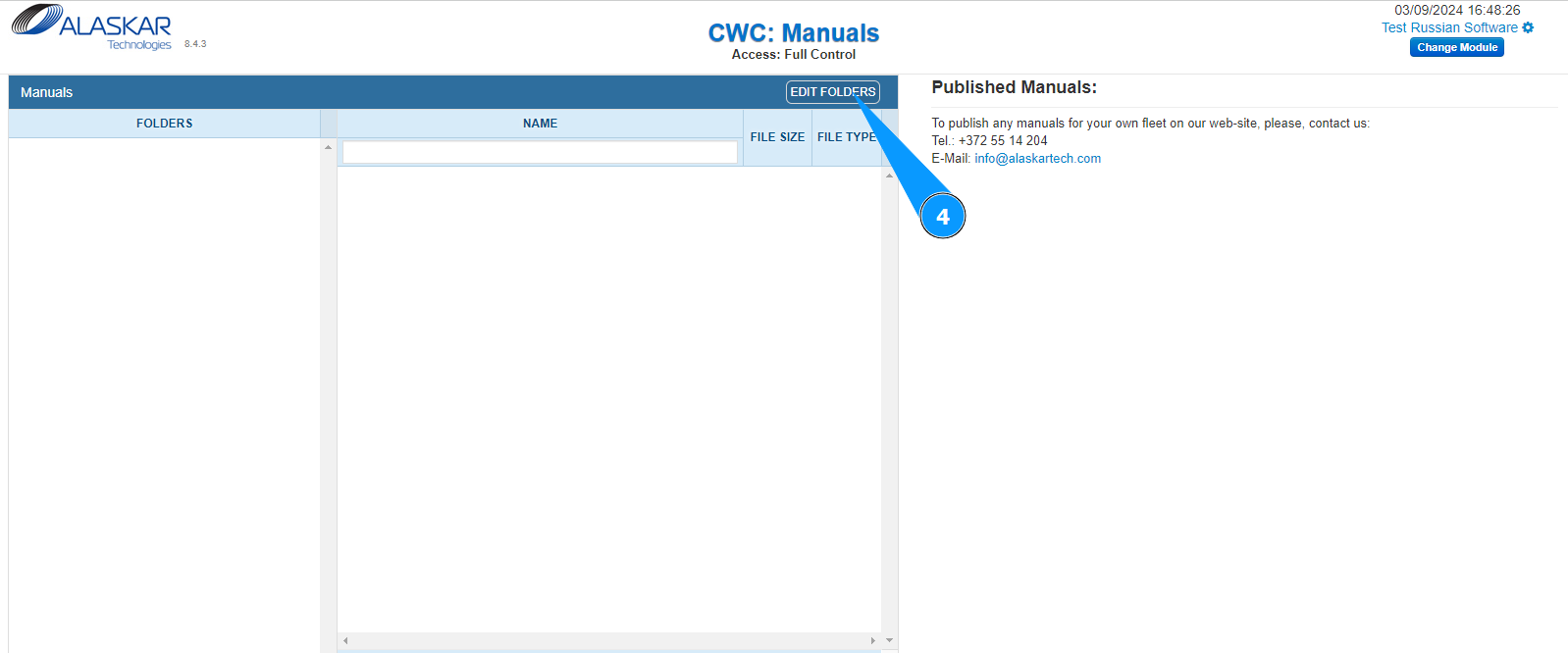
3. Check that the window for working with manuals has opened and is available in the window "CWC:Manuals".
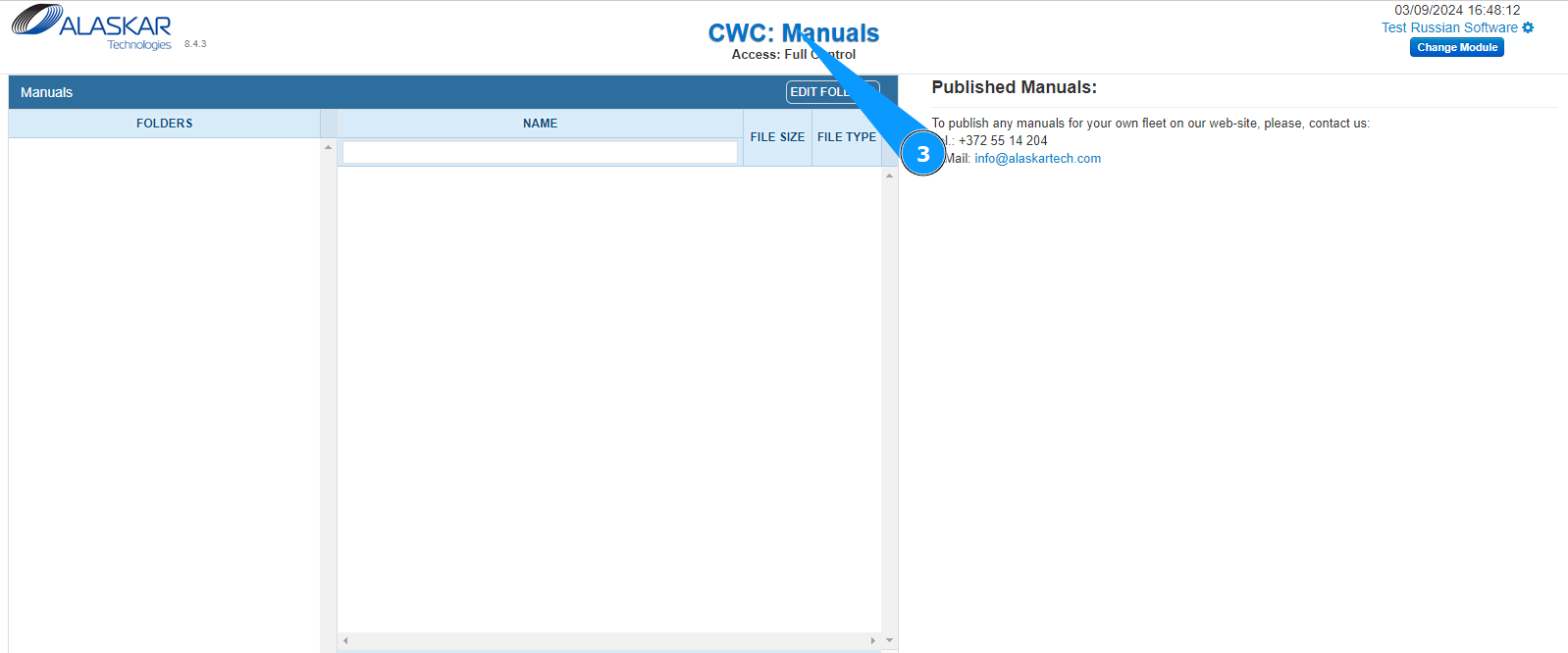
4. Click on the button "Edit Folders" to open the manual creation editor.
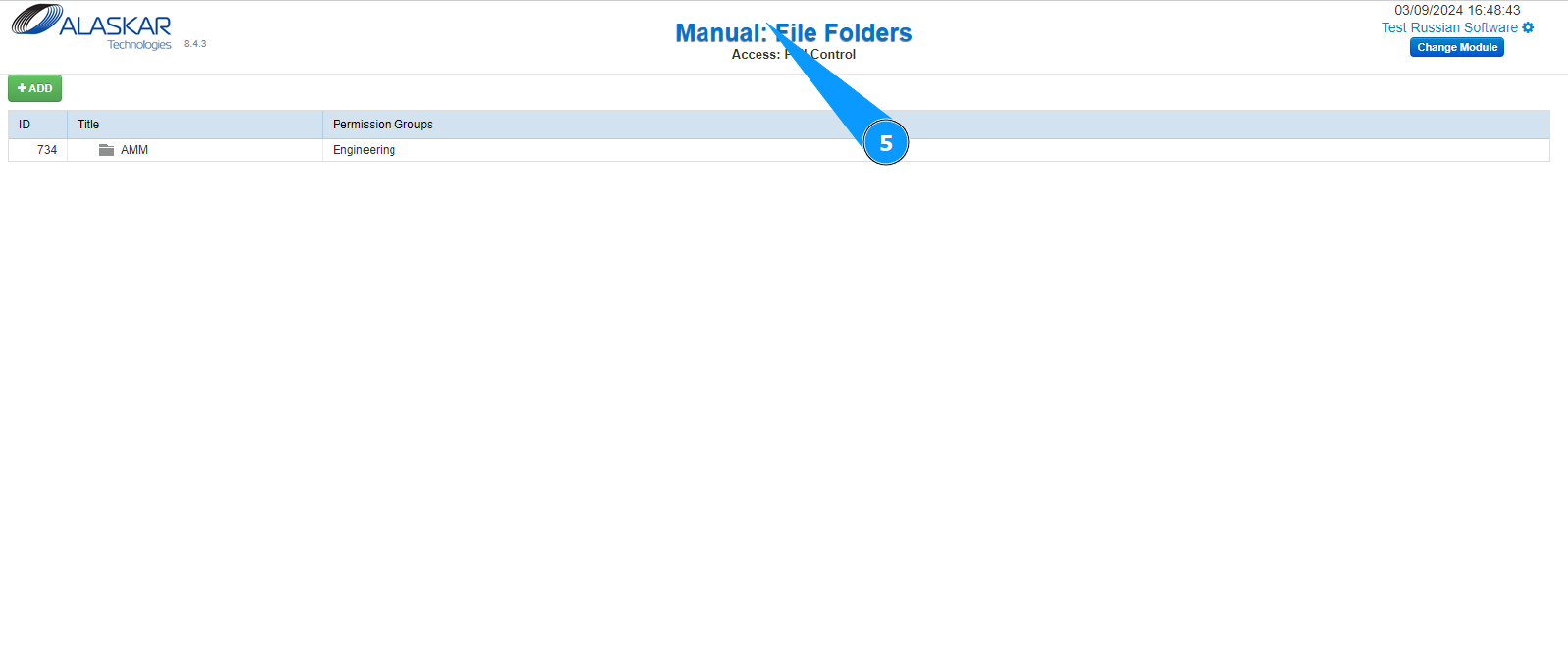
5. Check that the manual creation editor has opened and is available in the window "Manual: File Folders".
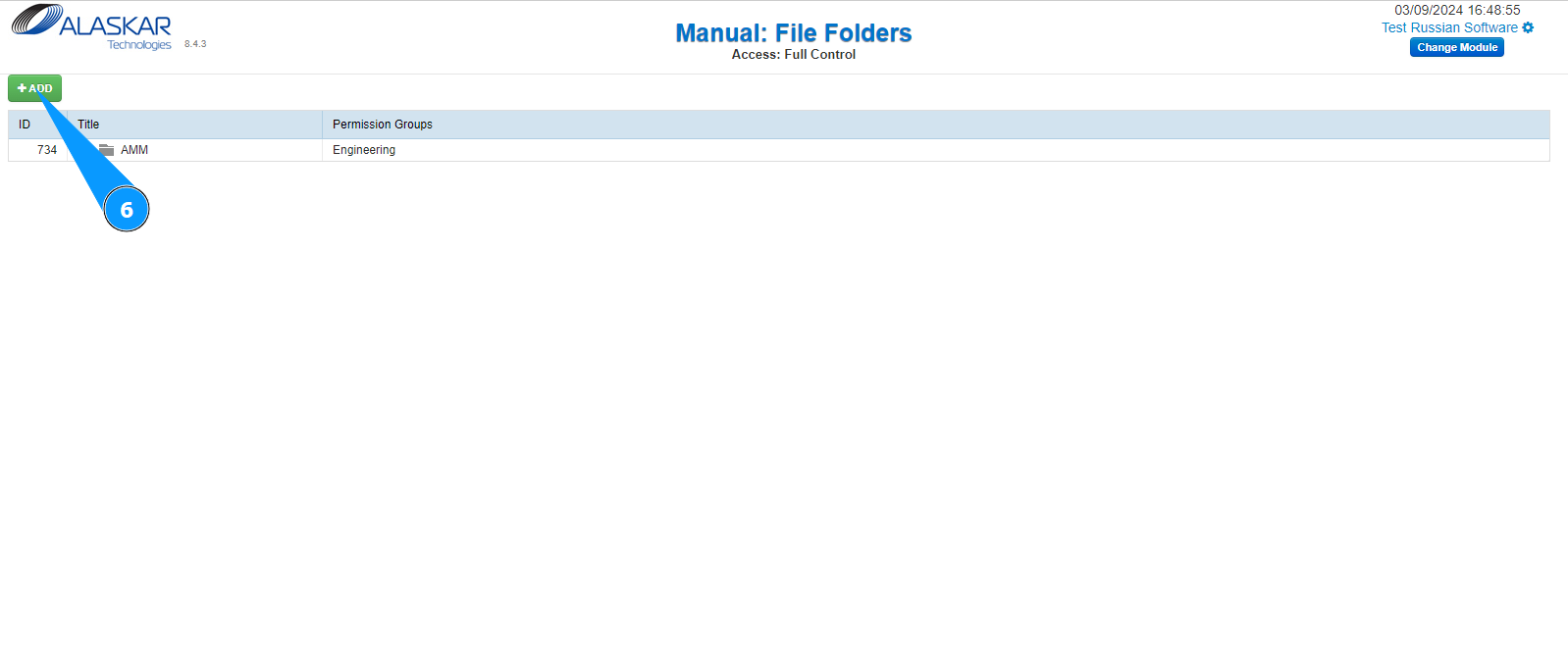
6. Click on the button "Add" to start adding a manual.
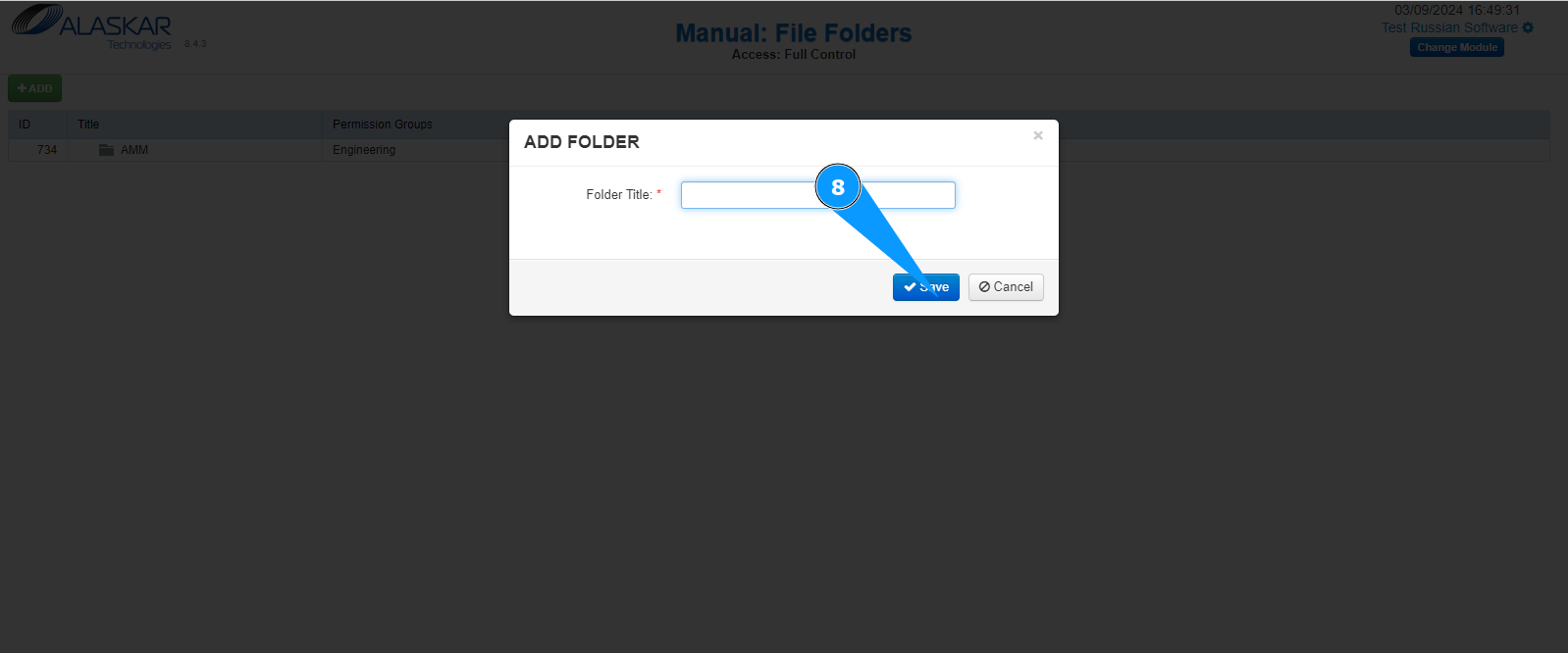
7. Enter the name of the manual in the field "Folder Title".
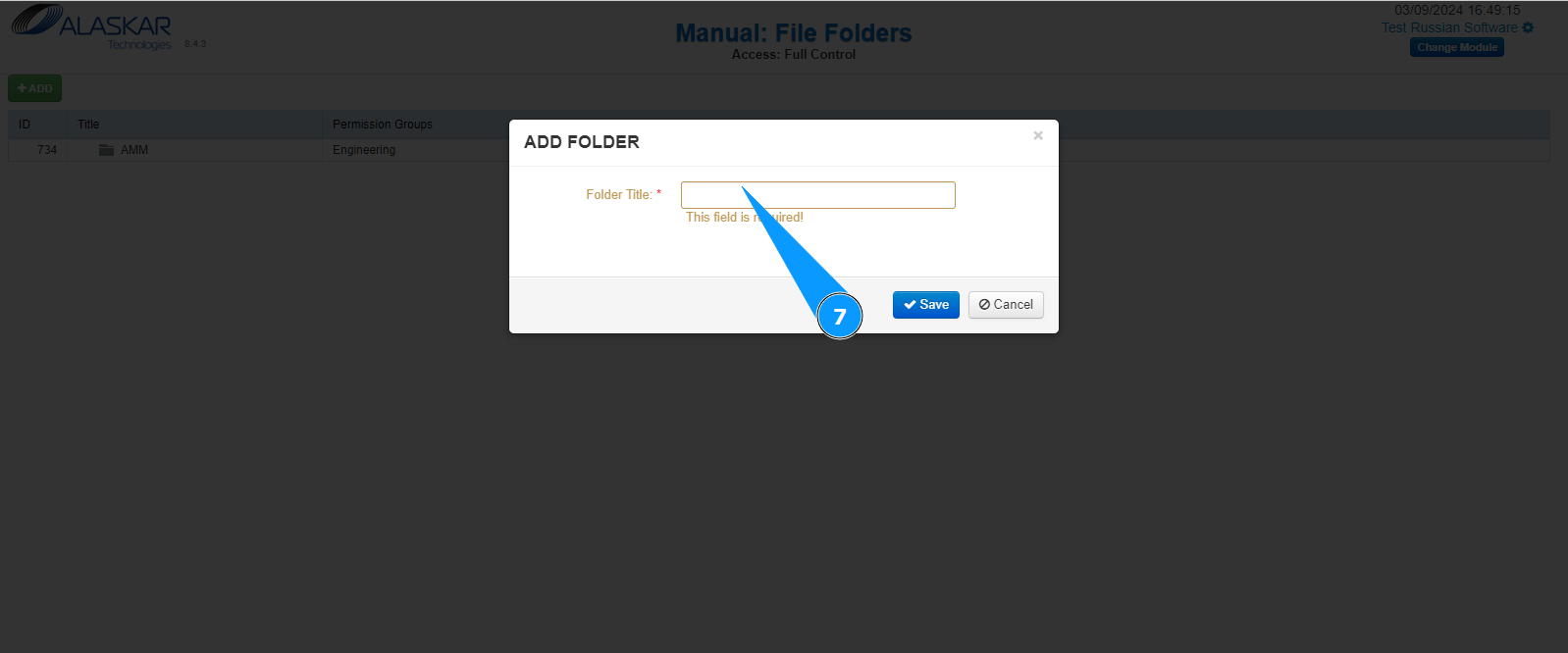
8. Click on the button "Save" to add the data to the program.
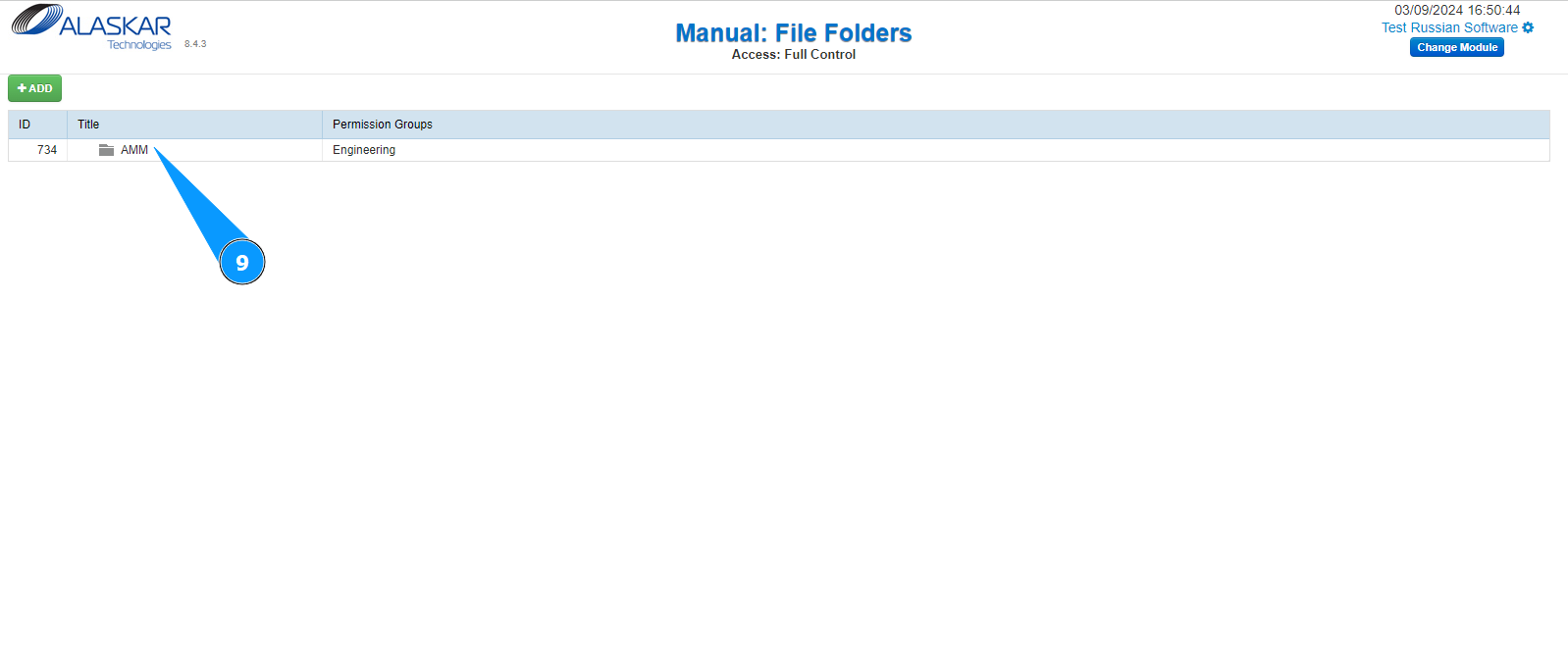
9. Check that the newly created manual is displayed in the window "Manual: File Folders".